Envoyez-nous un email :
info@labcompanion.cn
-

-

Demander un appel :
+86 18688888286

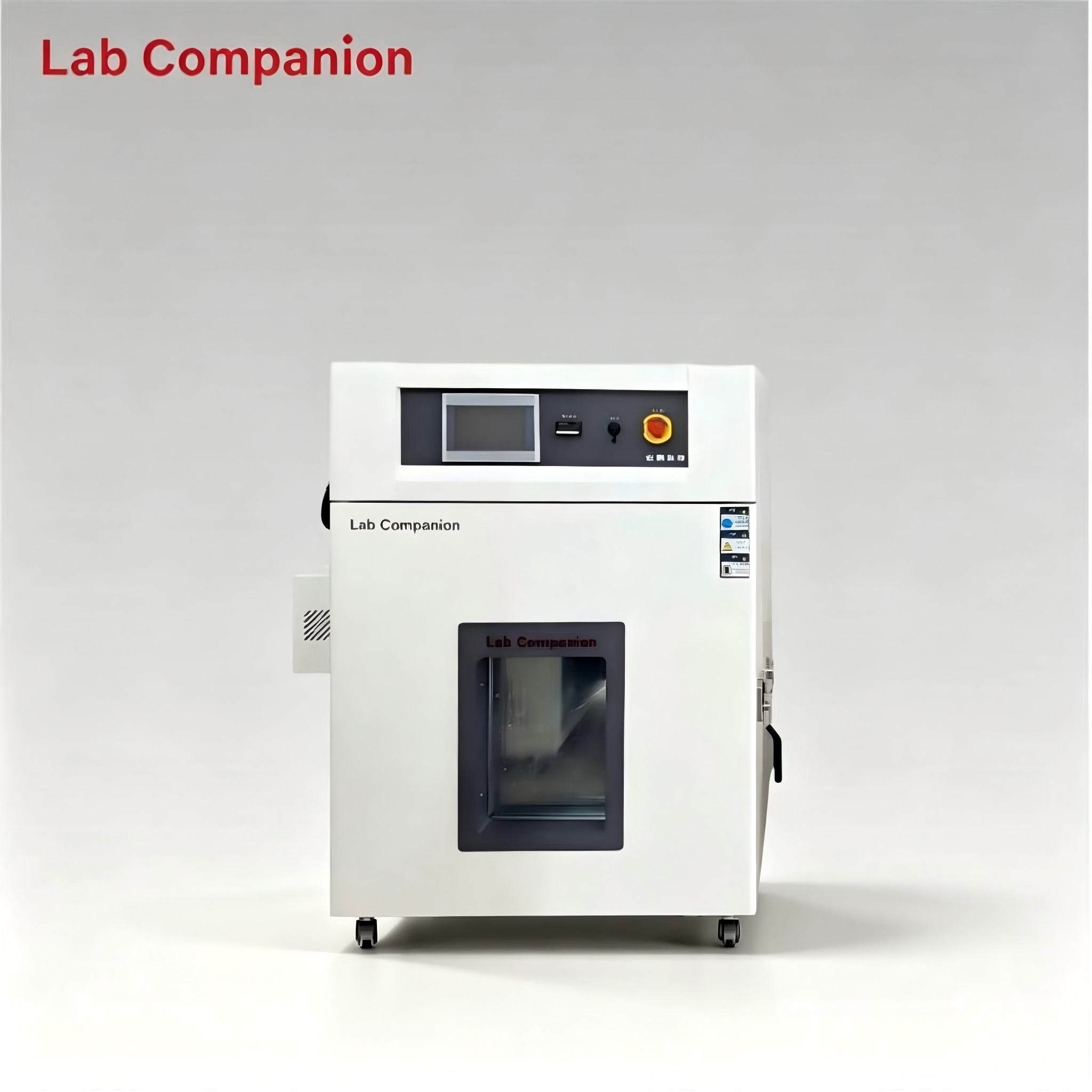
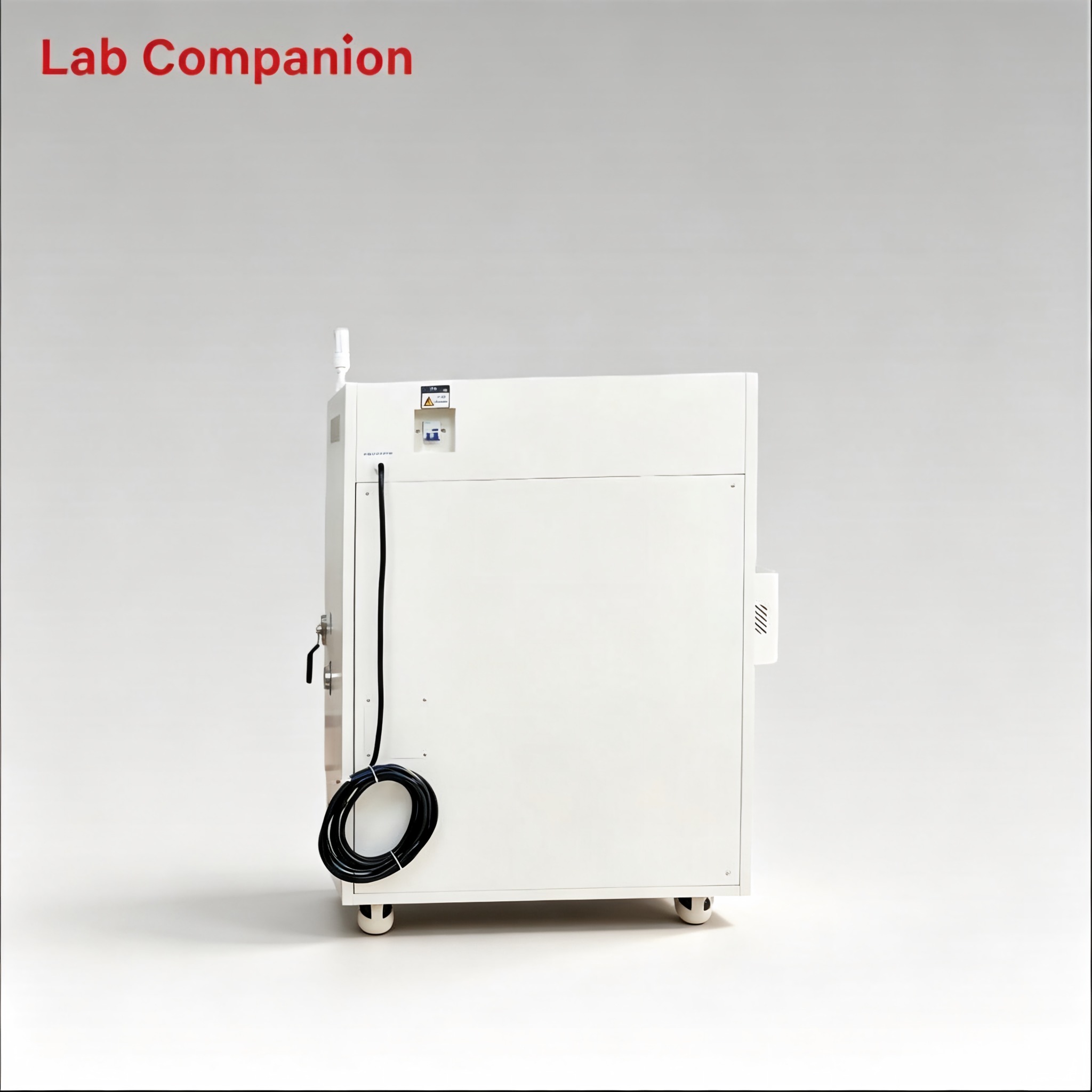
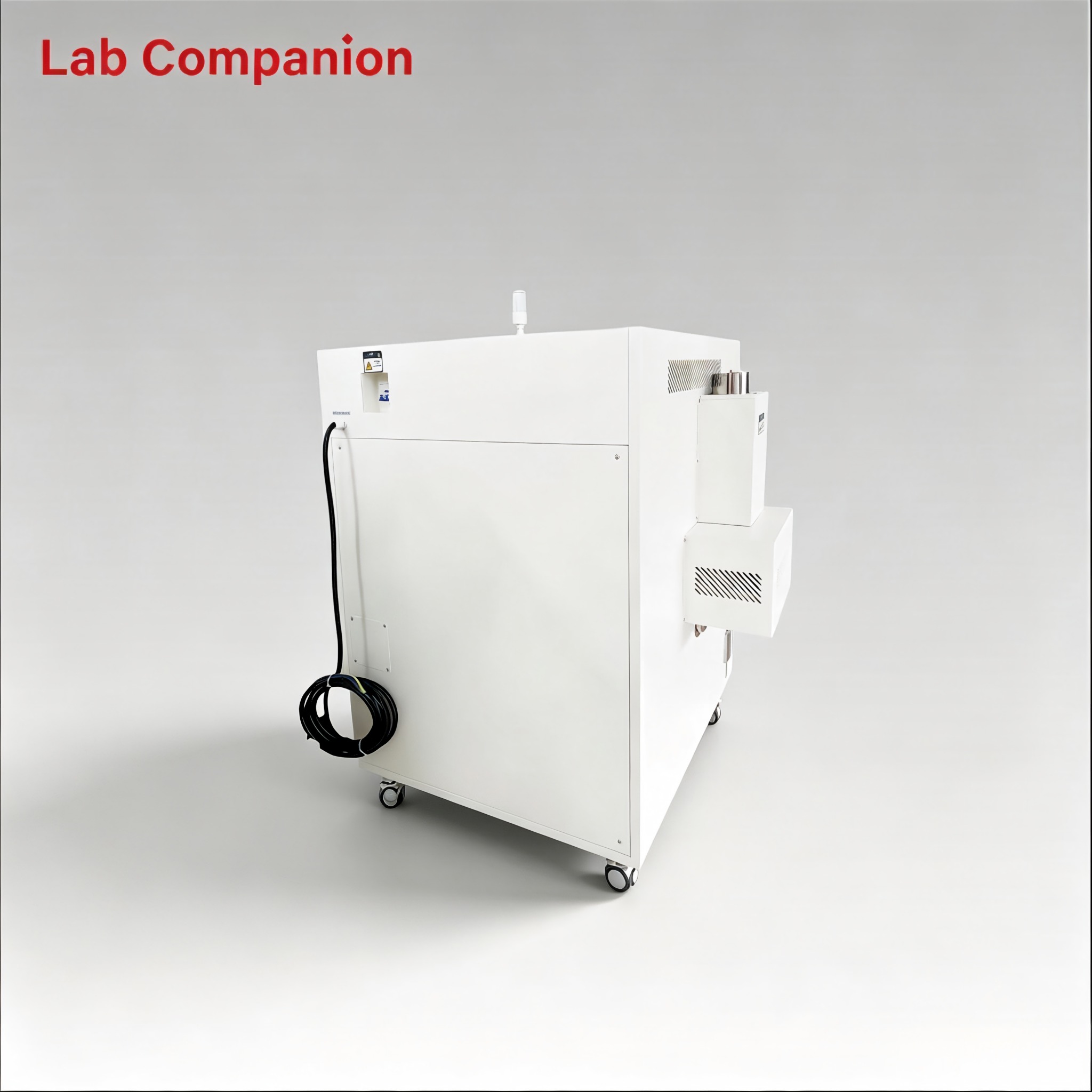
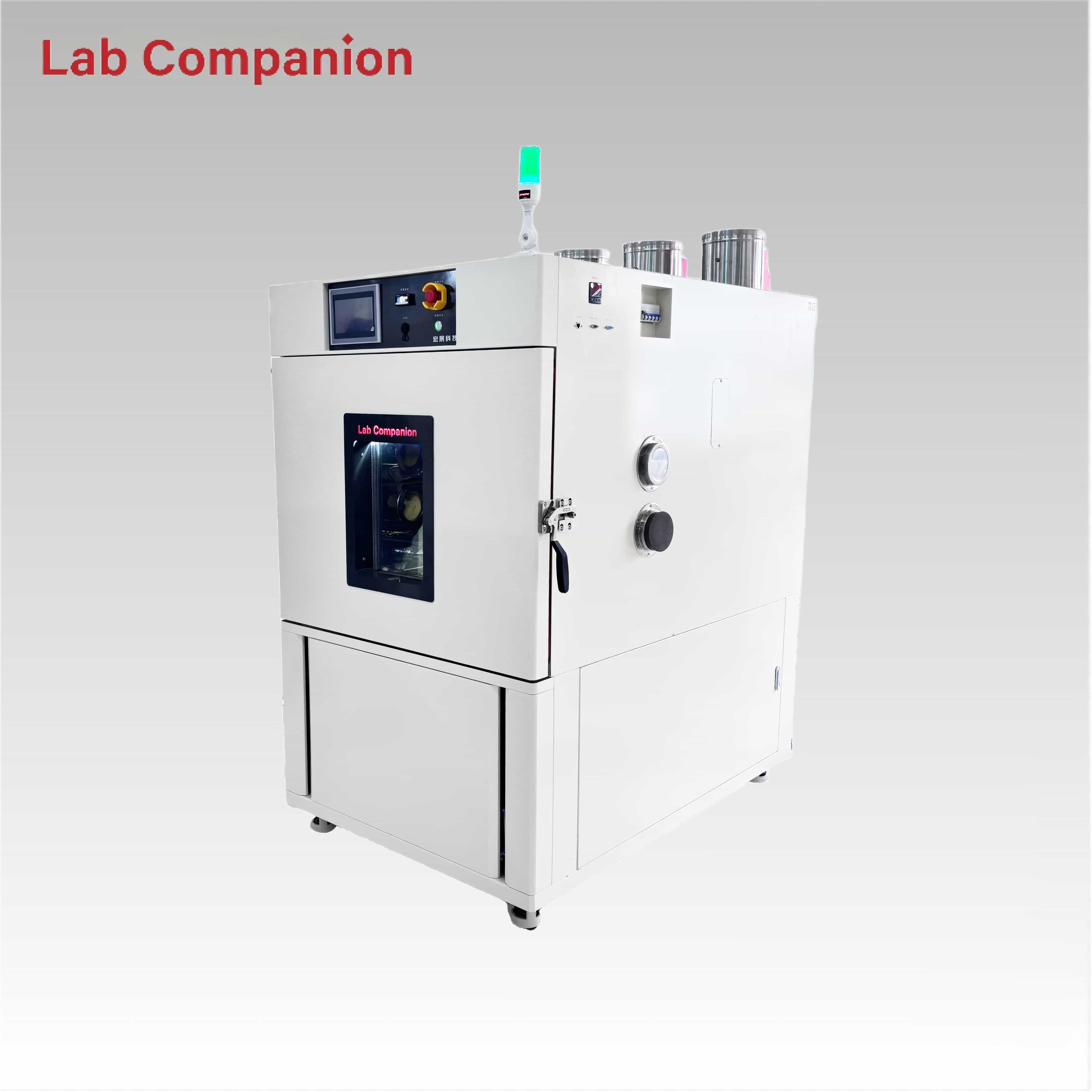
216L Industrial Step Oven for Lab Drying and Electronic Component Curing
This 216L industrial step oven supports aging, drying, curing and defoaming for PCBA, new energy and composite materials. It features RT~+200℃ temperature range with programmable step profile: 65℃→85℃→110℃→60℃, non‑linear no‑load heating rate of approx. 3.5℃/min, and 0.01℃ precision programmable controller. Equipped with exhaust cooling device and viewing glass window. Horizontal air convection delivers even heat distribution for reliable thermal simulation and product reliability testing.
Numéro d'article :
OVEN-216Commande (MOQ) :
1Origine du produit :
ChinaCouleur :
WhitePrecision 216L Step Oven for Industrial Baking and Sample Heat Treatment
|
Dimensions (mm) |
Width |
Height |
Depth |
|
Internal |
600 |
600 |
600 |
|
External |
/ |
/ |
/ |
Temperature range: RT+10℃ to +200℃
Temperature uniformity: ≤±2.0℃
Temperature fluctuation: ≤±0.5℃
Temperature deviation: ≤±2.0℃
Heating Rate: RT + 10℃ → 200℃ (Non-linear, No-Load, Approx. 3.5℃/min)
Note: it adopts natural cooling with no rapid temperature reduction function.
Power supply specification: AC 220v, 50/60Hz, 1∮53wires
Rated current: AC220V
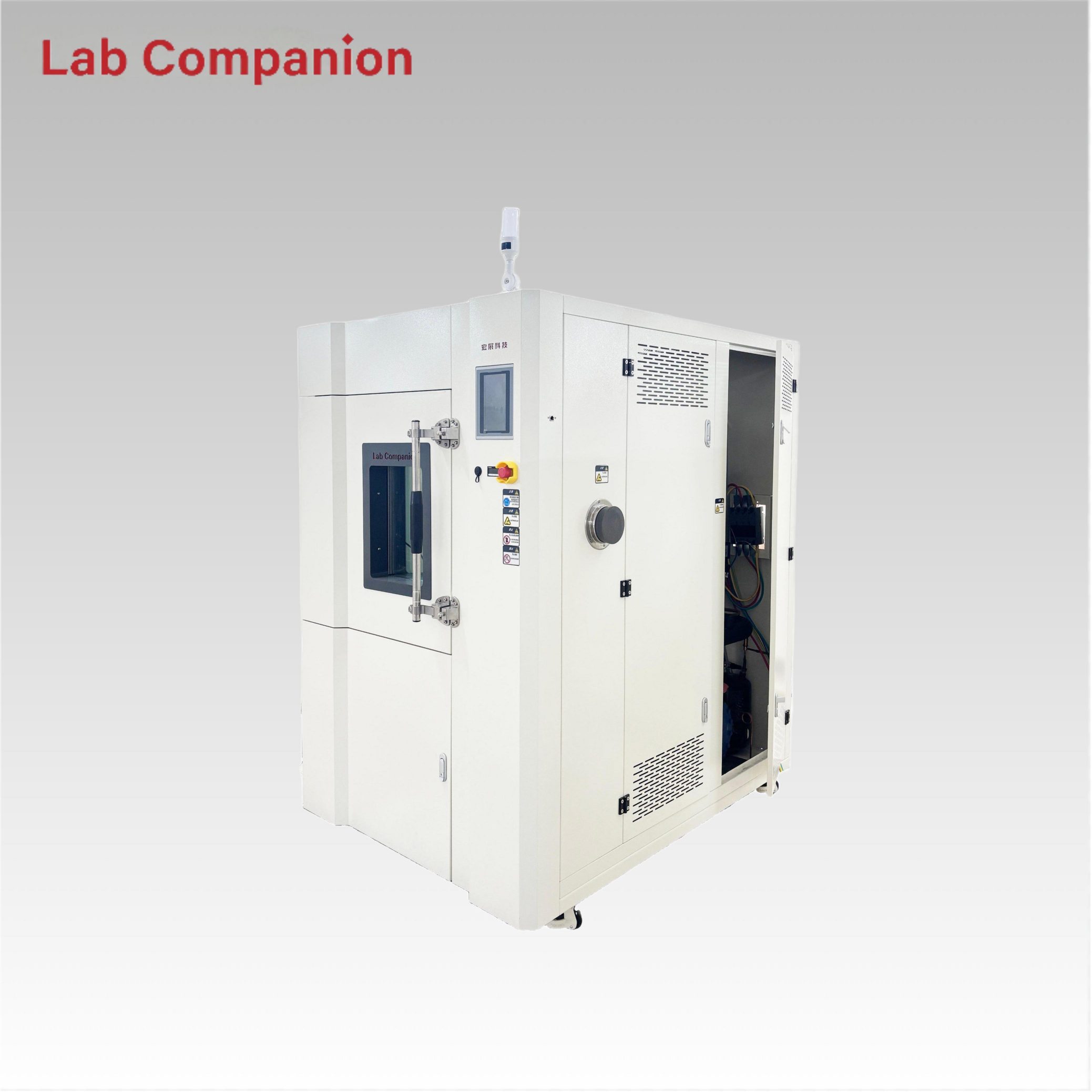
216L Thermal Step Oven for PCBA Curing New Energy Lab Application
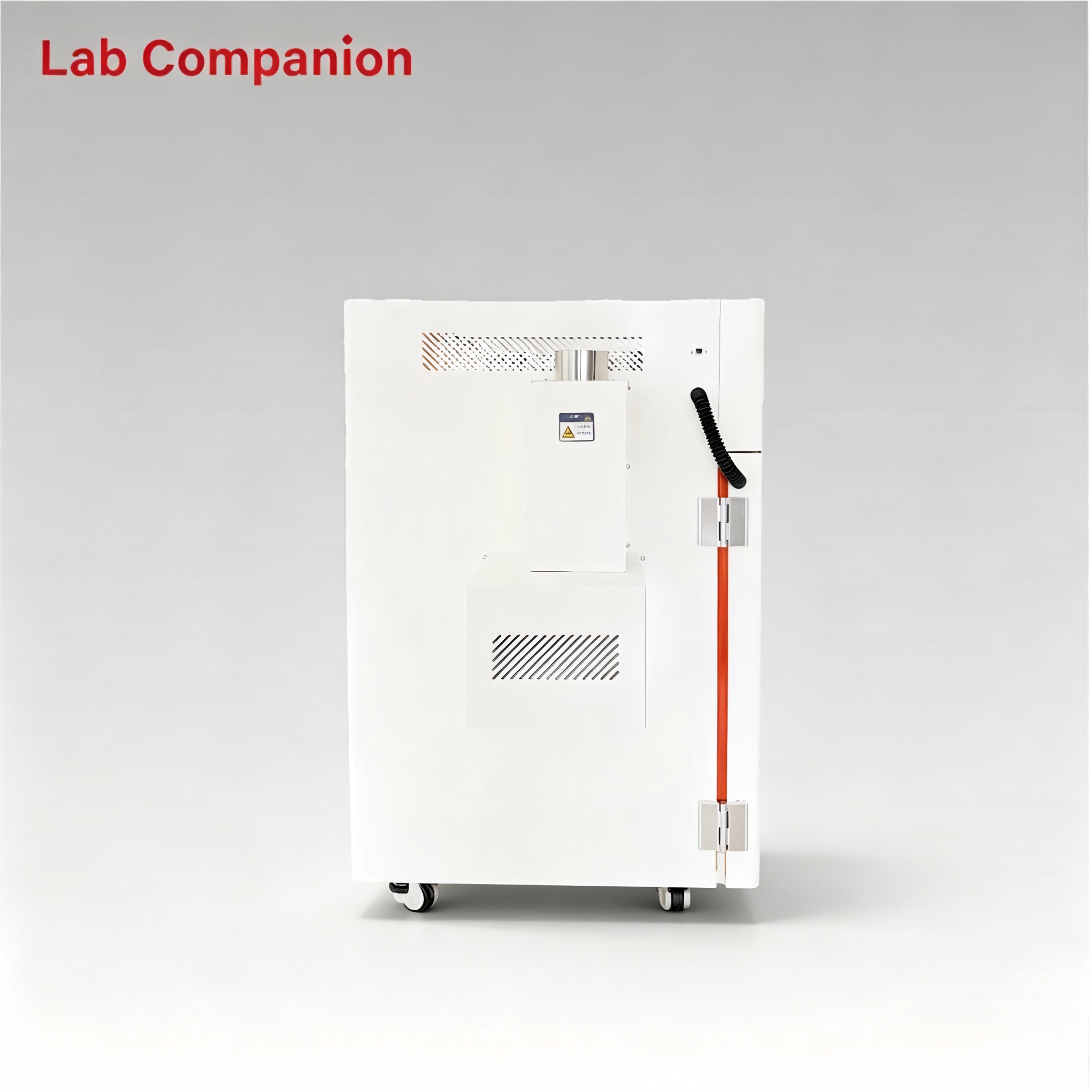
Left-side forced air cooling: Quickly dissipates internal heat, ensuring more stable operation of the equipment during continuous use.
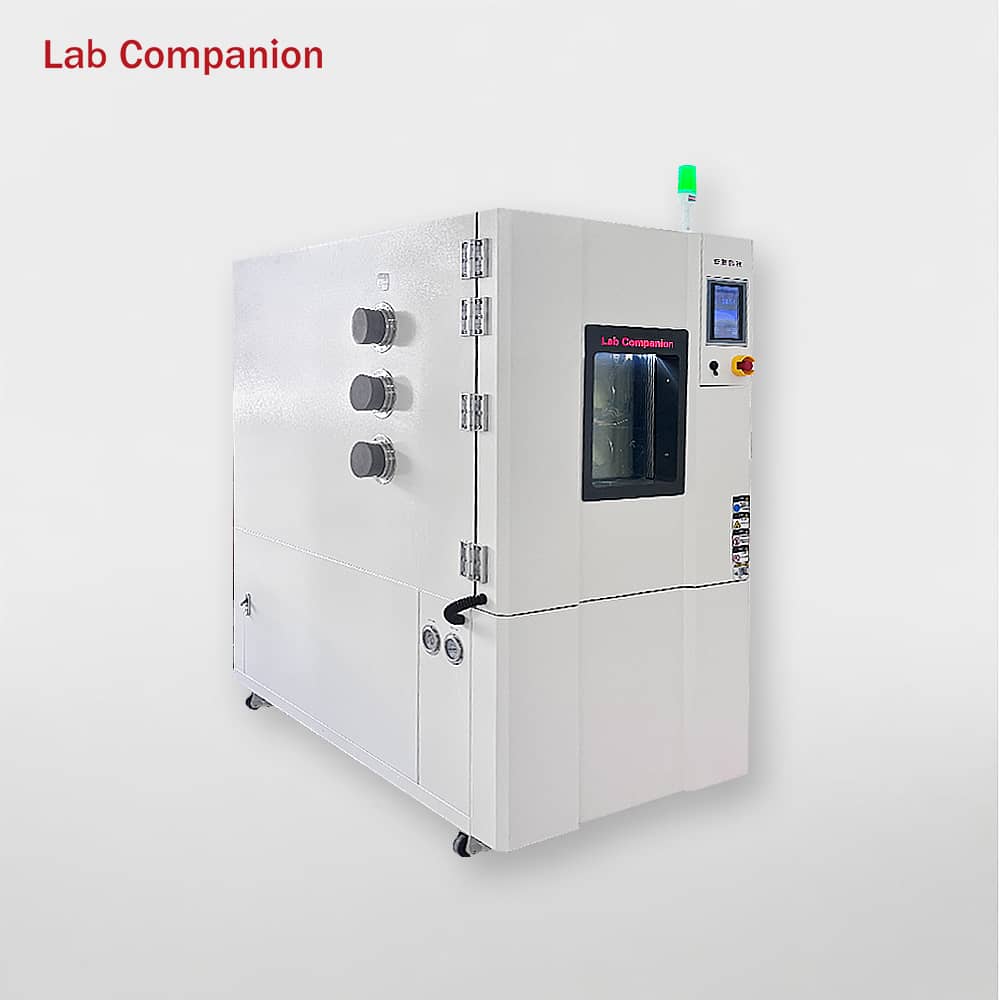
Lab Grade 216L Step Oven for Gradient Heating Industrial Reliability Test
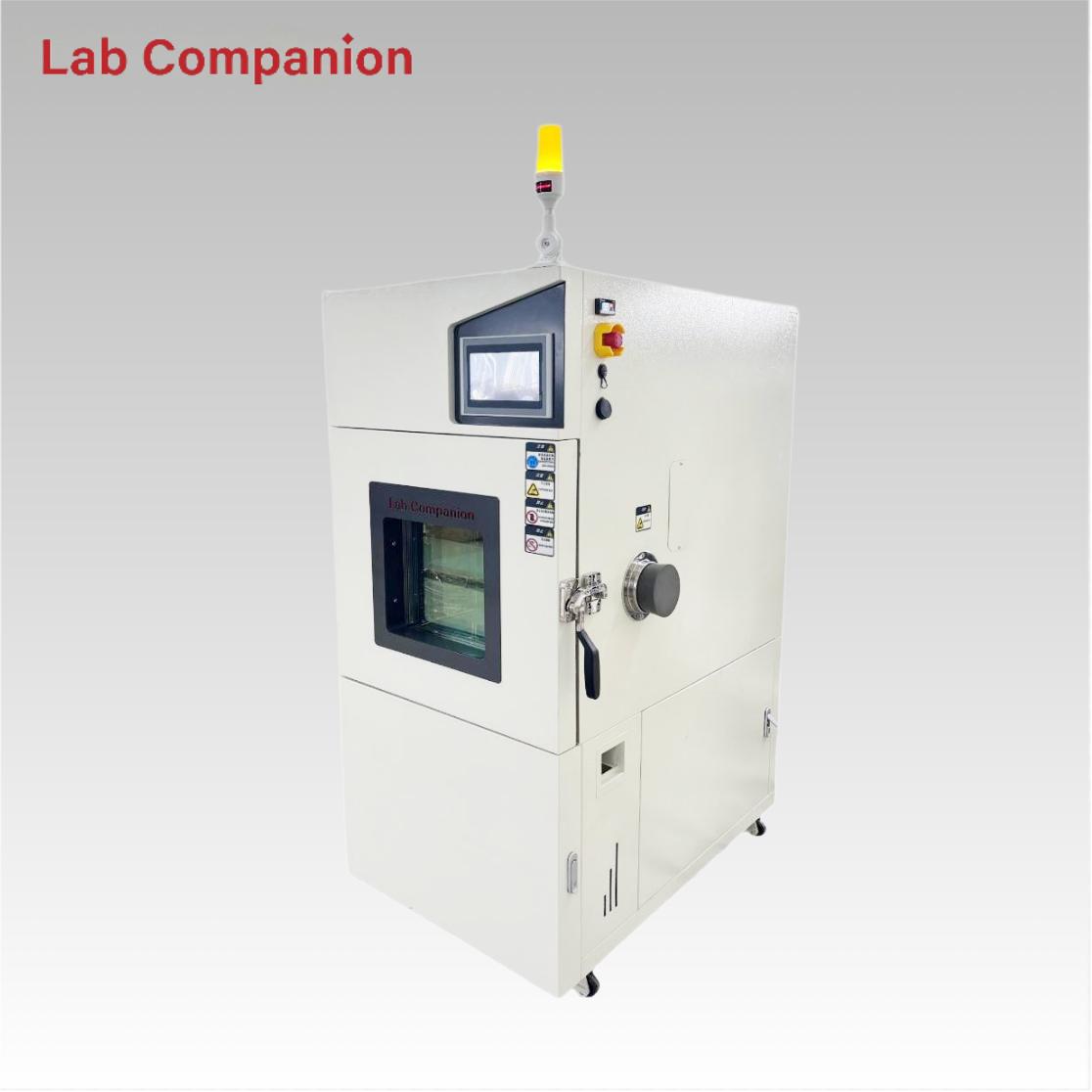
216L Large Capacity Step Oven for Composite Material Drying Processing
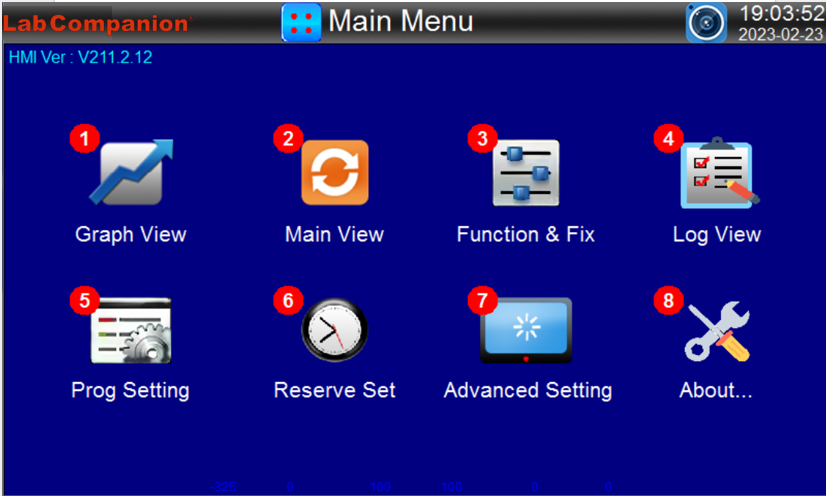
|
NUMBER |
Indication Content |
Content Description |
|
① |
Graph View |
Move to the program curve view,history curve and setting screen. |
|
② |
Main View |
Move to the fixed value/program control screen. |
|
③ |
Function & Fix |
Move to the additional function and operation mode setting screen. |
|
④ |
Log View |
Move to the operation record view screen. |
|
⑤ |
Prog Setting |
Move to the group setting menu screen. |
|
⑥ |
Reserve Set |
Move to the current time and scheduled running time setting screen. |
|
⑦ |
Advanced Setting |
Move to the menu screen of file backup,communication setting,manual debugging, fault recording and screen capture browsing. |
|
⑧ |
About... |
Move to the screen for viewing user information and current touch screen system status. |
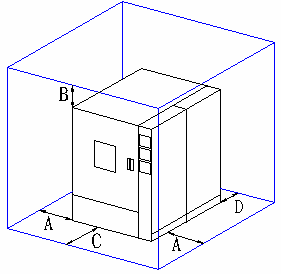
A (Side Clearance): ≥ 60 cm
B (Rear Clearance): ≥ 60 cm
C (Front Operation Space): ≥ 100 cm
D (Side Clearance): ≥ 60 cm
Note: Reserve sufficient space for daily maintenance and operation.
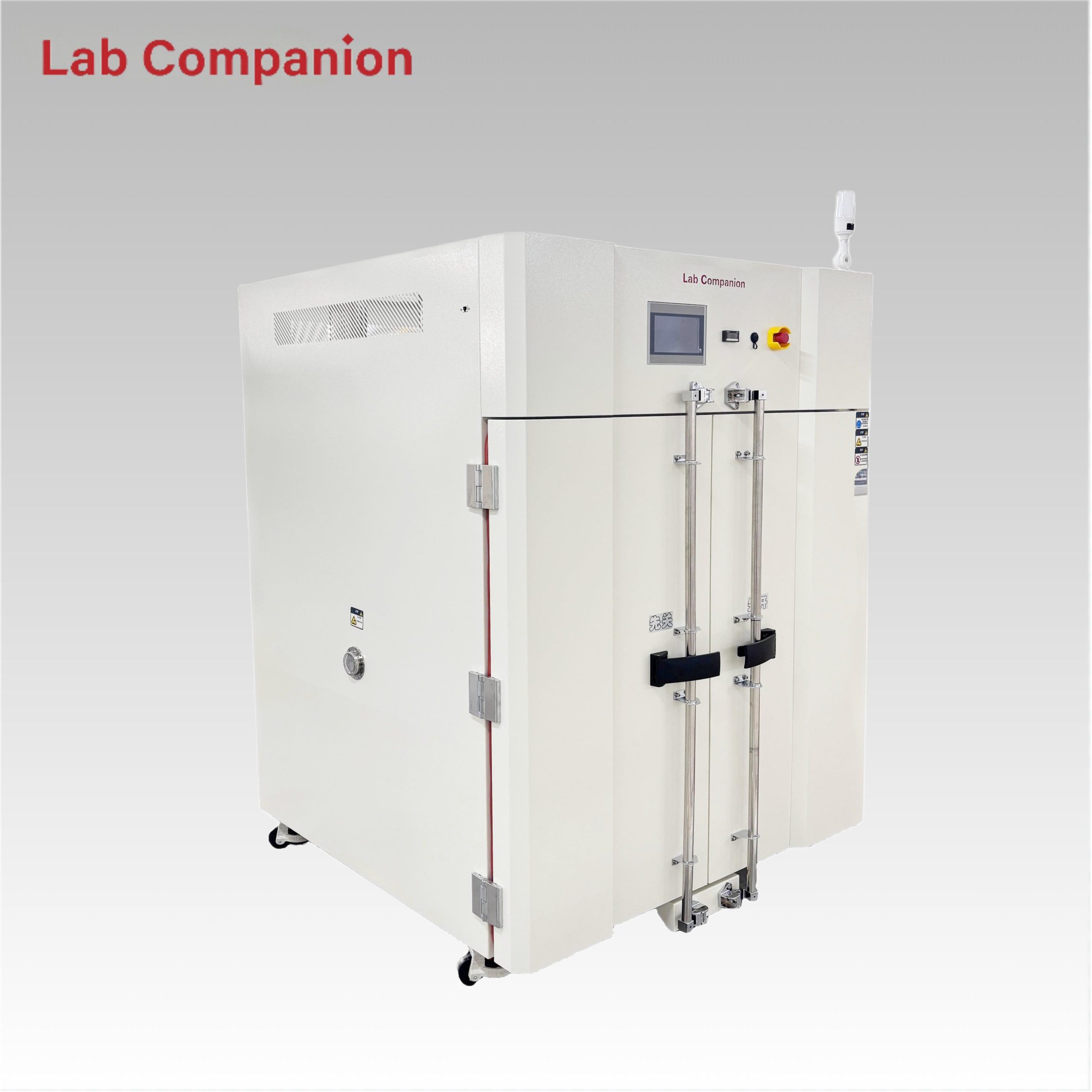
CE 1000L Dual Door Precision Oven for Industrial Testing This 1000L industrial precision oven features a double-door structure for flexible operation, equipped with a C100 touch screen controller and triple over-temperature protection. It has a precise temperature range of ambient +10℃ to 200℃; its left-right air convection system ensures uniform air and heat distribution, ideal for aging, drying, curing, bonding, defoaming and other industrial processes.
EN SAVOIR PLUS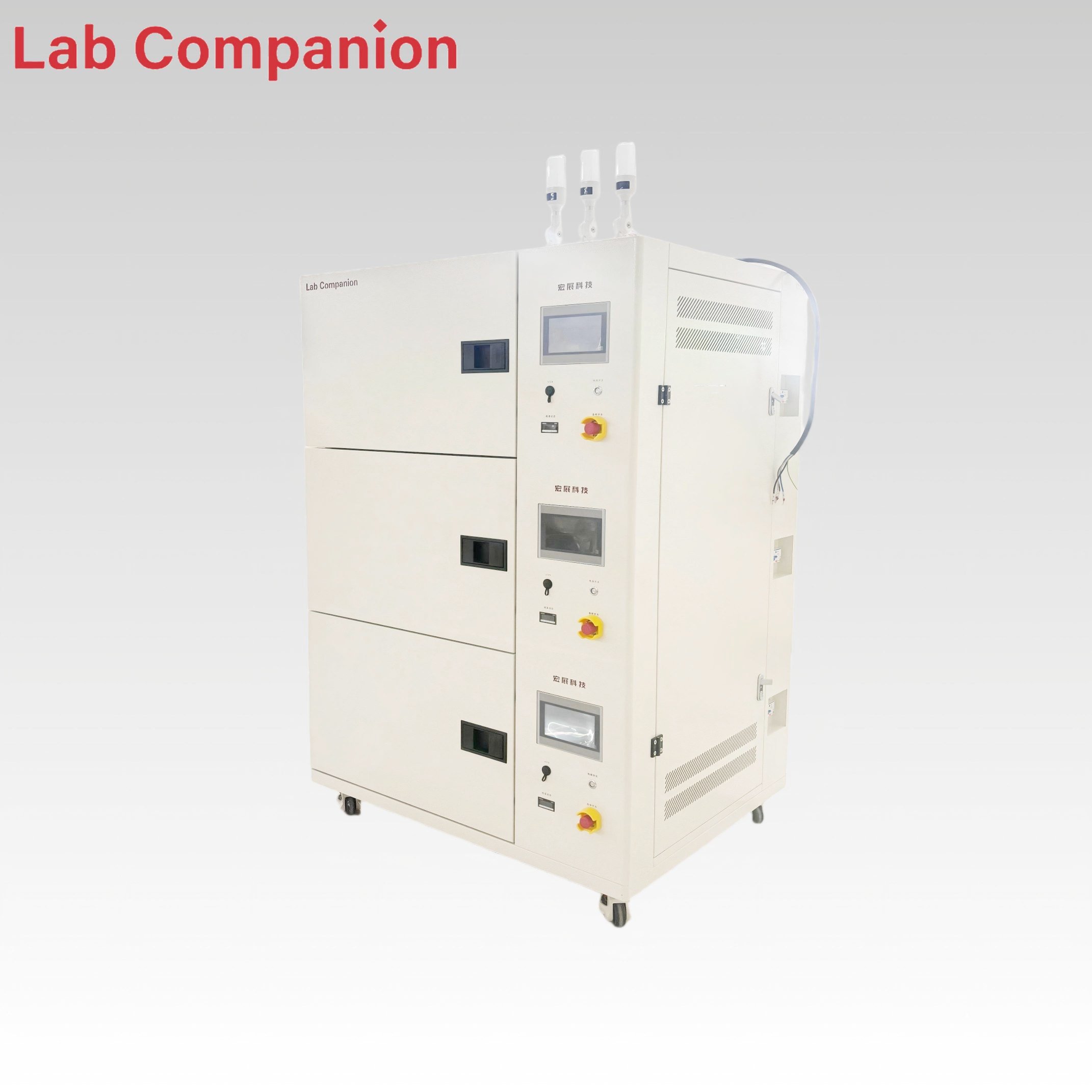
86L 3-Tier Multi-Layer Precision Oven for Industrial Testing This 86L multi-layer precision oven is a versatile solution for aging, drying, baking, curing, bonding, and defoaming processes. Specifically engineered, it conducts adaptability tests on diverse products, components, and materials under high-temperature and constant-temperature conditions, simulating real-world storage, transportation, and operational environments. Each layer is equipped with an independent power switch for separate control, and it adopts a left-right air circulation principle to ensure high temperature uniformity. The temperature range is from room temperature +10℃ to +150℃ (air-cooled type).
EN SAVOIR PLUS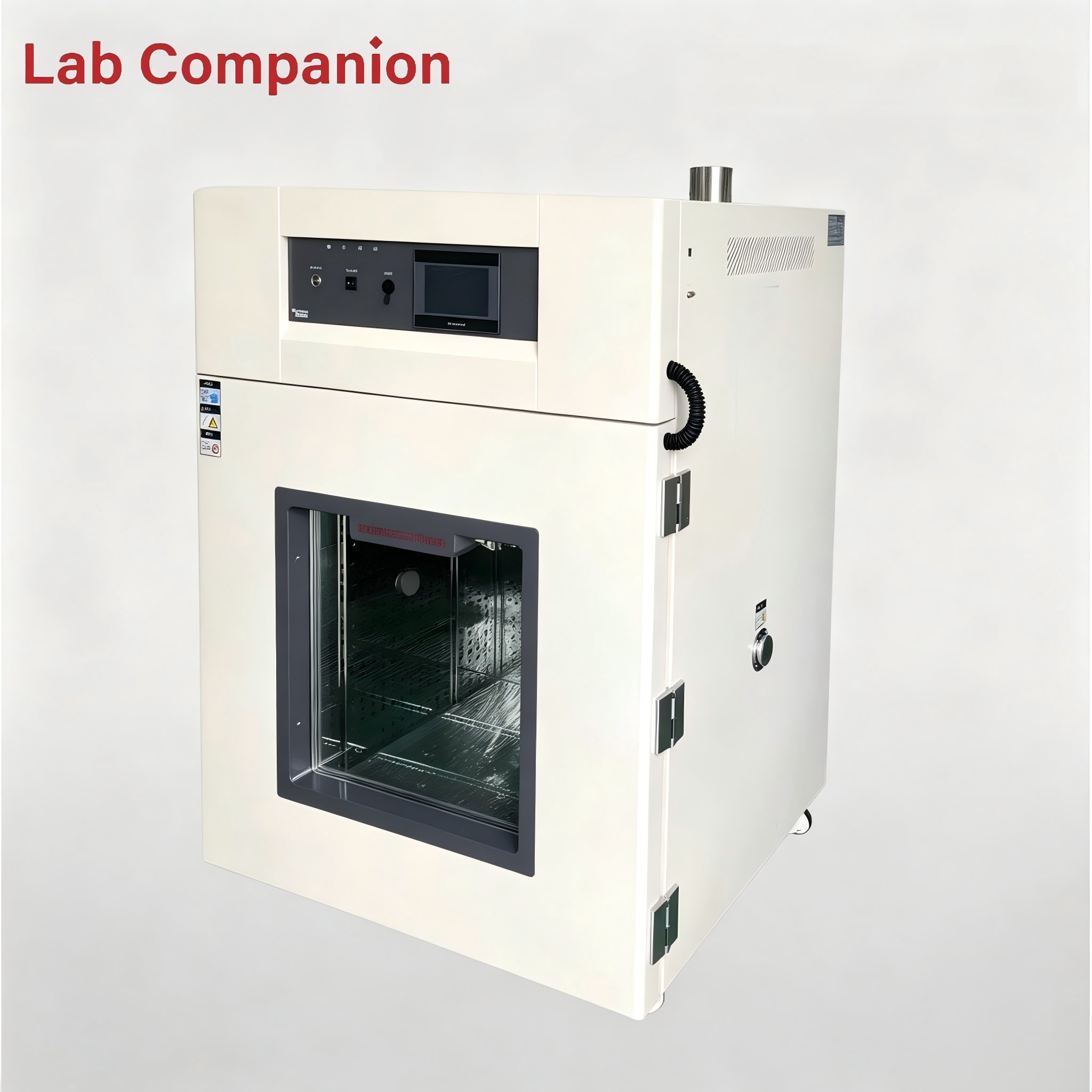
512L Precision Hot Air Circulating Oven This 512L industrial precision oven is engineered for aging, drying, baking, curing, bonding and defoaming applications across industrial, laboratory and general-purpose scenarios. Featuring a temperature range of RT-200℃, integrated programmable controller, and 0.01℃ temperature control precision, it adopts horizontal air convection technology to ensure uniform heat distribution, enabling accurate simulation of real-world conditions for product adaptability testing.
EN SAVOIR PLUS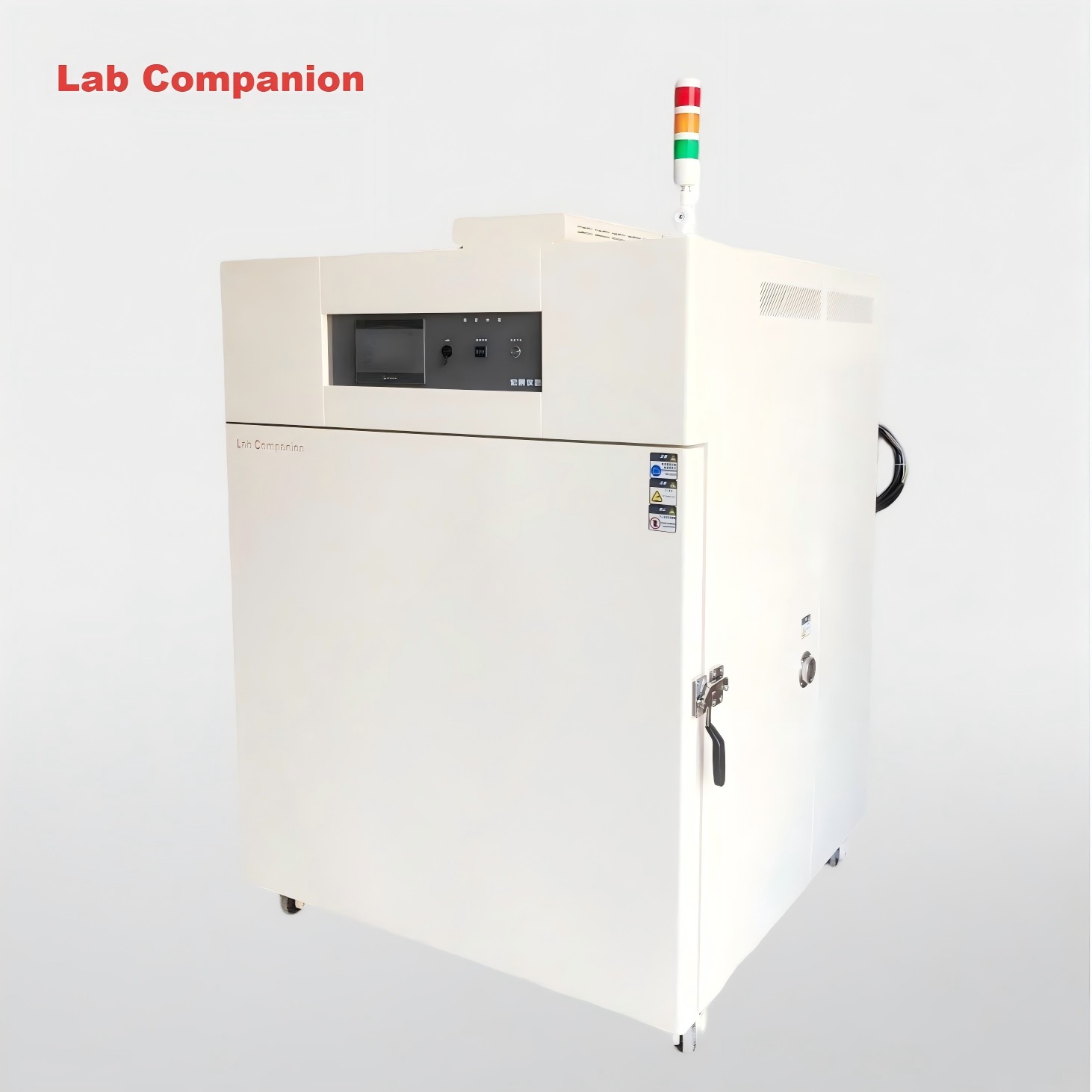
1000L Precision Temperature-Controlled Laboratory Drying Oven This 1000L industrial precision oven adopts a double-door structure for flexible operation. Boasting a generous capacity, it is integrated with a Q8 controller and features a temperature range of ambient temperature to 200℃. Its left-right air convection system ensures uniform air supply and heat distribution, enabling efficient simulation of diverse environmental conditions for product adaptability testing. The oven is ideal for aging, drying, baking, curing, bonding, defoaming and other industrial processes.
EN SAVOIR PLUS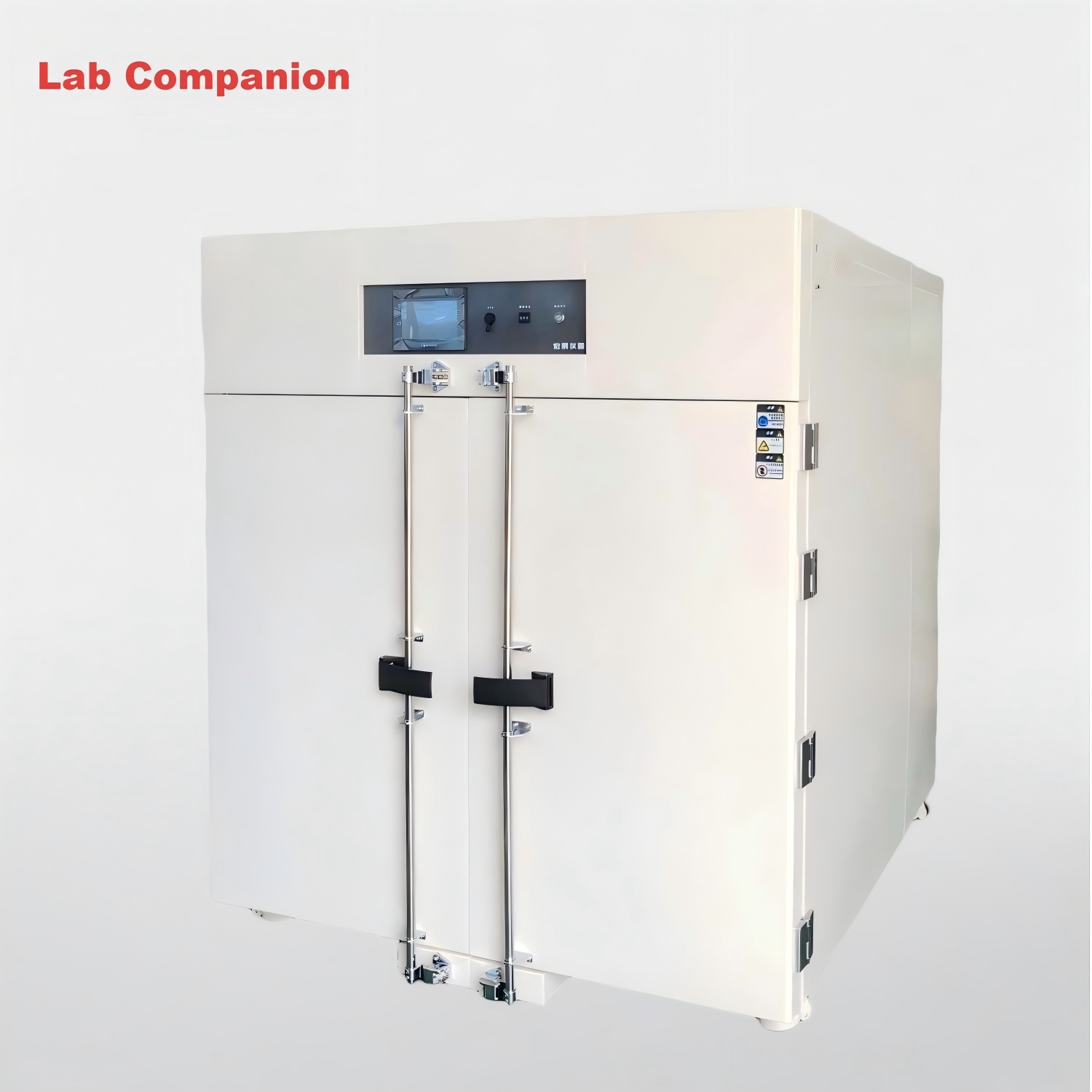
2000L Programmable Precision Temperature Control Drying Oven This 2000L industrial precision oven features a double-door design for flexible operation. Boasting an extra-large capacity, it offers a temperature range from room temperature to 125℃ with a heating rate of 3.5℃ per minute under no-load conditions. Equipped with a high-precision temperature control system and horizontal air convection device, it achieves uniform heat distribution, enabling efficient simulation of various extreme environments for product adaptability testing. Ideal for aging, drying, baking, curing, bonding, defoaming and other processes.
EN SAVOIR PLUS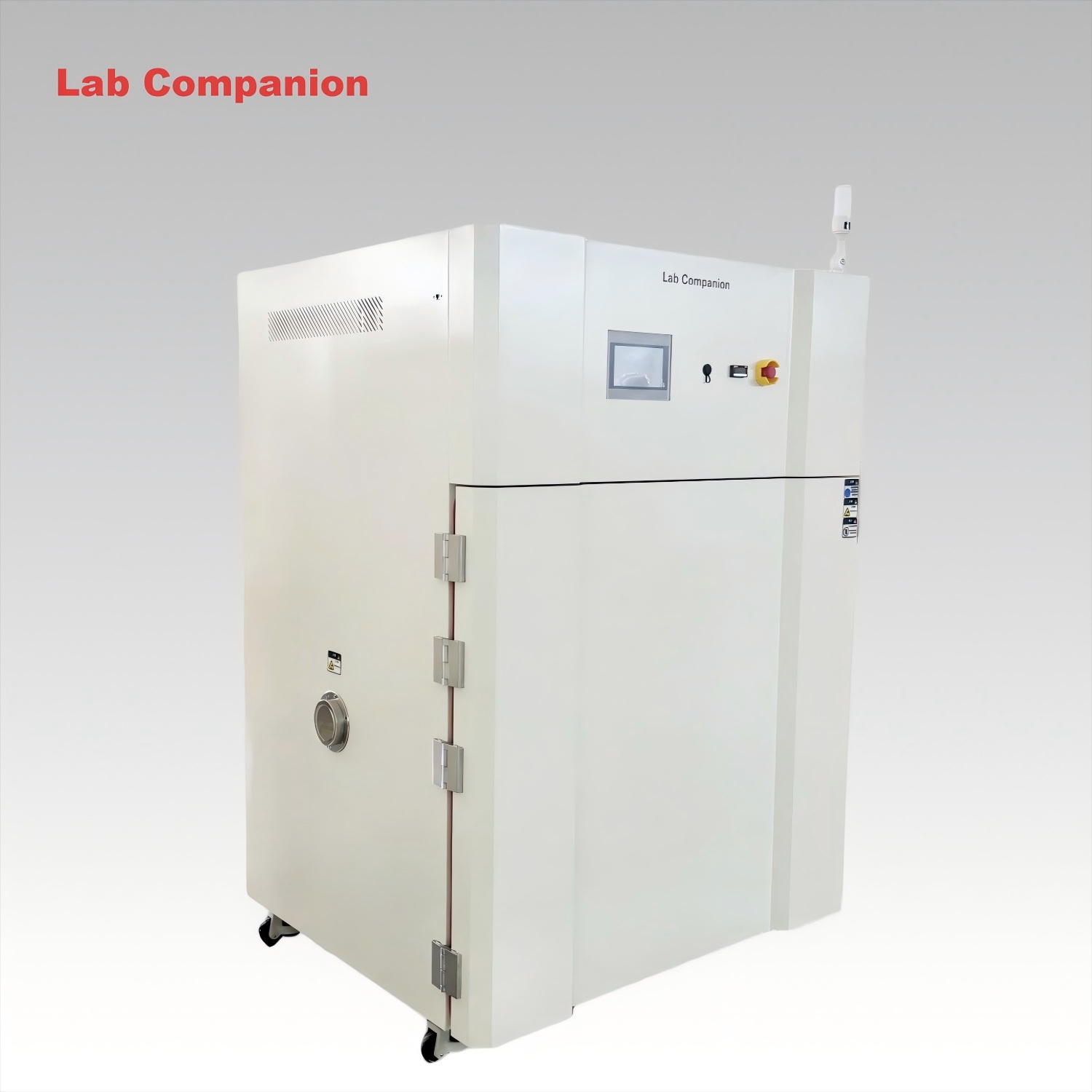
324L High-Precision Industrial Hot Air Oven This 800L industrial precision oven is ideal for aging, drying, baking, curing, bonding and defoaming processes. Featuring a large capacity, a temperature range of RT-300℃, and a heating rate of 5℃/min under no-load conditions, it is equipped with air vents on the top of the chamber. With high-precision temperature control, horizontal air convection and uniform heat distribution, it effectively simulates real-world environments for product adaptability testing. Customization services are available to meet your specific requirements.
EN SAVOIR PLUS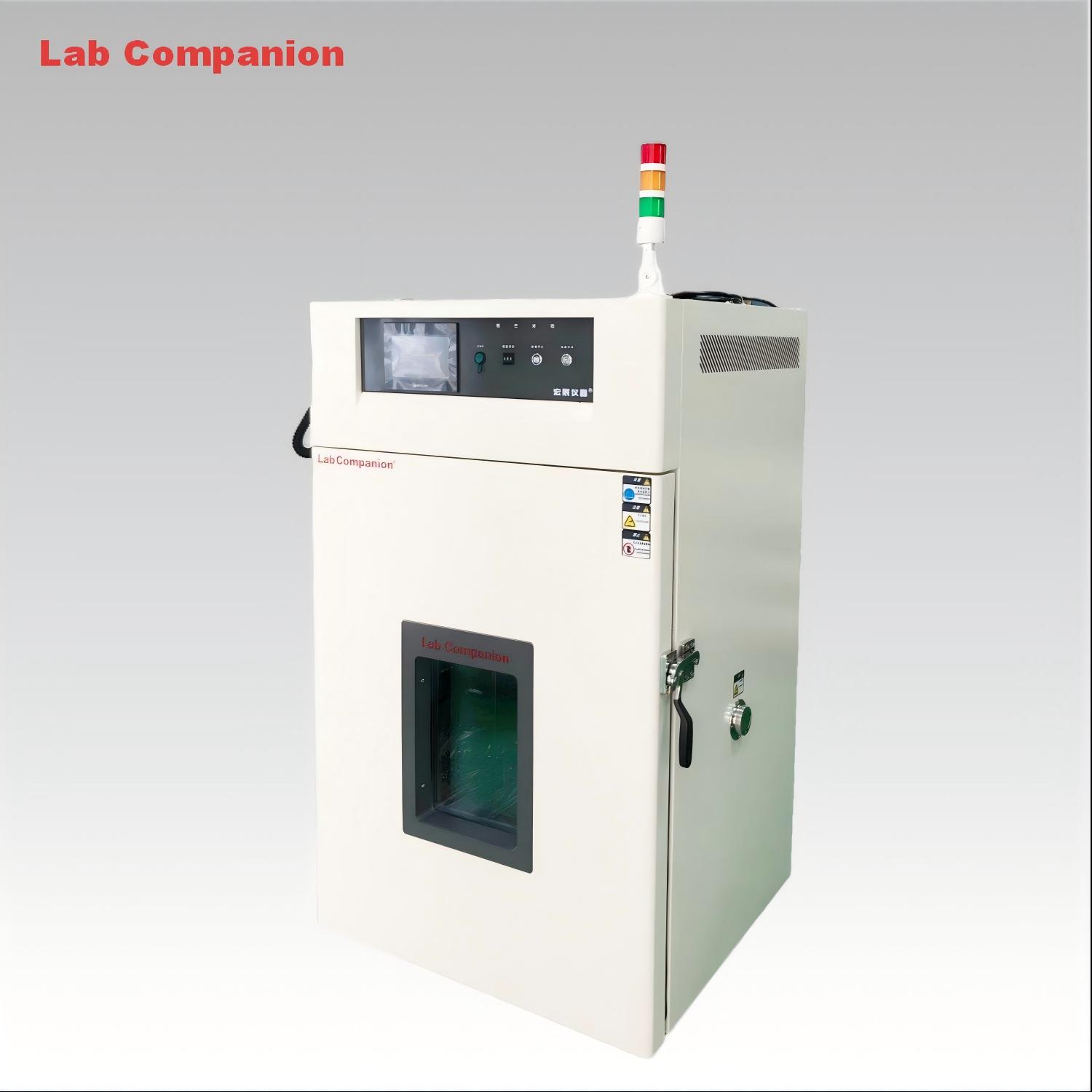
324L High-Precision Industrial Hot Air Oven This 324L industrial precision oven handles aging, drying, baking, curing, bonding and defoaming. Boasting a RT-300℃ range, high-precision temperature control, horizontal air convection and uniform heat distribution, it simulates real-world conditions for product adaptability testing.
EN SAVOIR PLUS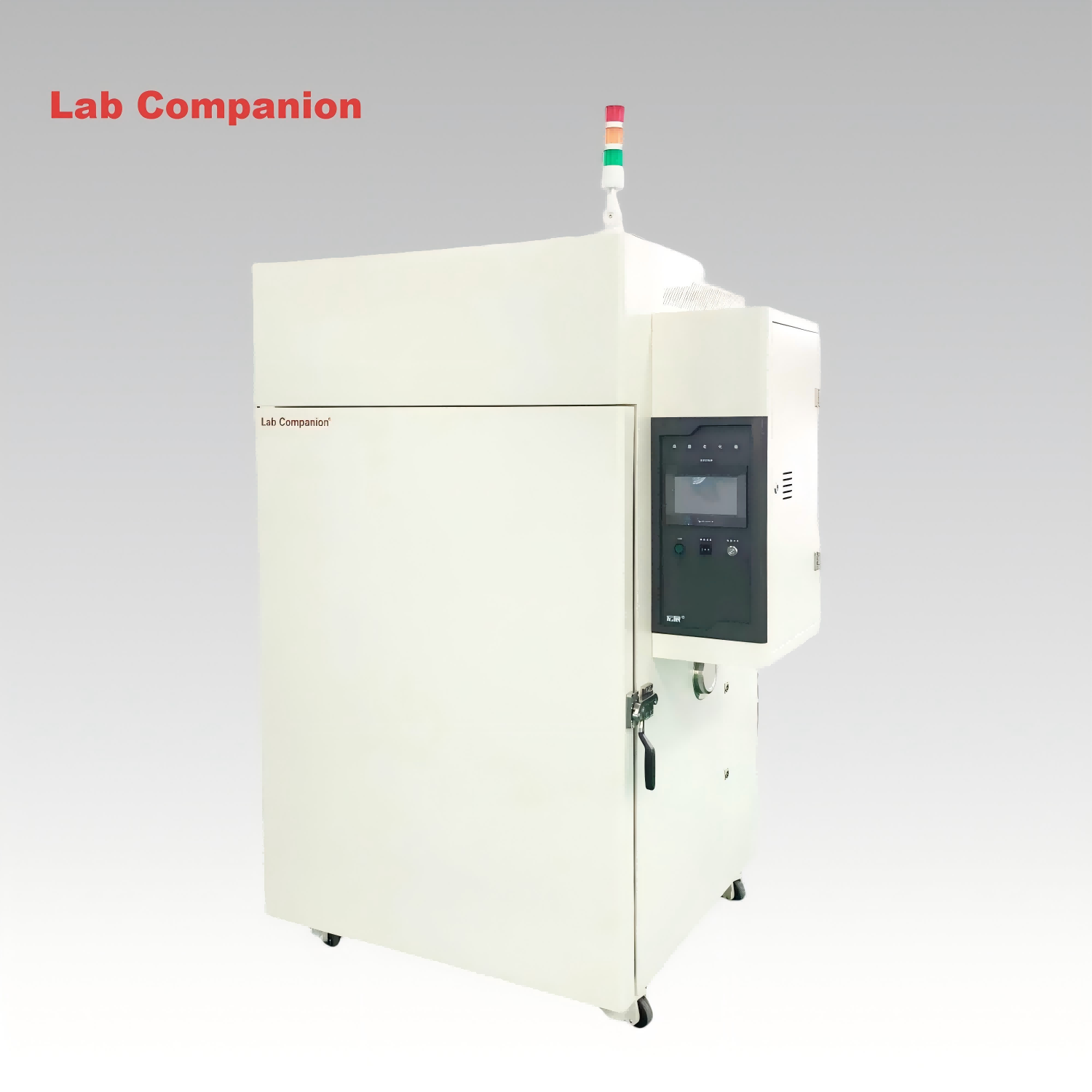
High Temperature Oven for Laboratory This 768L laboratory high-temperature aging oven is a versatile solution for aging, drying, baking, curing, bonding, and defoaming processes. It is specifically engineered to conduct adaptability tests on diverse products, components, and materials under high-temperature and constant-temperature conditions, simulating real-world storage, transportation, and operational environments.
EN SAVOIR PLUS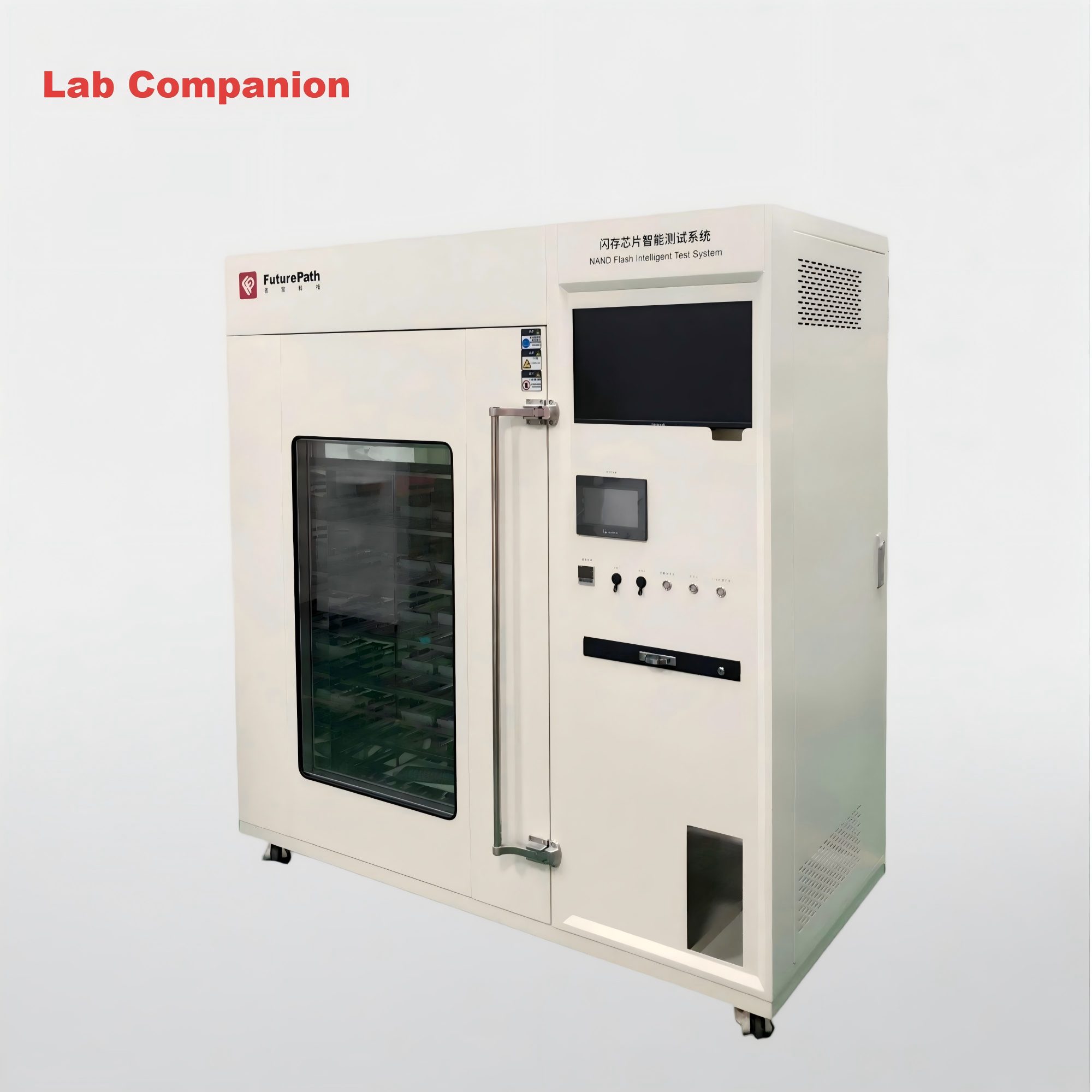
Programmable Multi-segment Temperature-controlled Precision Oven This high-performance test chamber is engineered for lab and industrial testing scenarios, with the following core advantages: +10°C to +300°C Precise & Wide Temperature Range Superior Temperature Control Accuracy Display accuracy: ±0.1°C Temperature fluctuation: ±0.5°C Temperature uniformity: ≤2°C Durable & Customizable Structure Efficient Heating & Intelligent Control Practical Safety & Convenience Features
EN SAVOIR PLUS
216L Industrial Step Oven for Lab Drying and Electronic Component Curing This 216L industrial step oven supports aging, drying, curing and defoaming for PCBA, new energy and composite materials. It features RT~+200℃ temperature range with programmable step profile: 65℃→85℃→110℃→60℃, non‑linear no‑load heating rate of approx. 3.5℃/min, and 0.01℃ precision programmable controller. Equipped with exhaust cooling device and viewing glass window. Horizontal air convection delivers even heat distribution for reliable thermal simulation and product reliability testing.
EN SAVOIR PLUS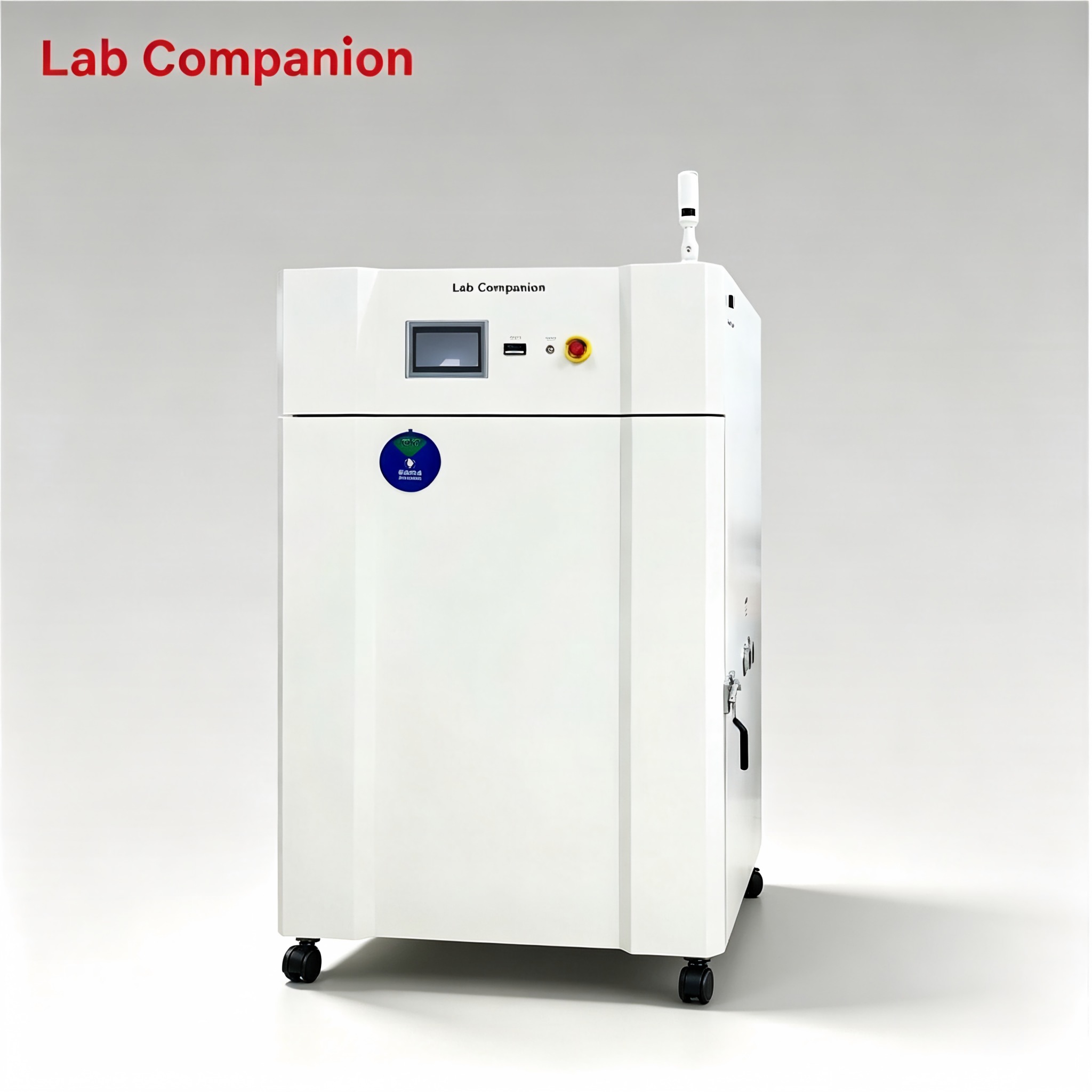
768L Industrial Precision Convection Oven for Electronics Curing and Aging Test This 768L industrial precision oven supports aging, drying, curing and defoaming for PCBA, new energy and composite materials. It features RT+15℃~100℃ range, 0.01℃ precision programmable controller, dual side test ports. Horizontal air convection delivers even heat distribution for reliable thermal simulation and product reliability testing.
EN SAVOIR PLUS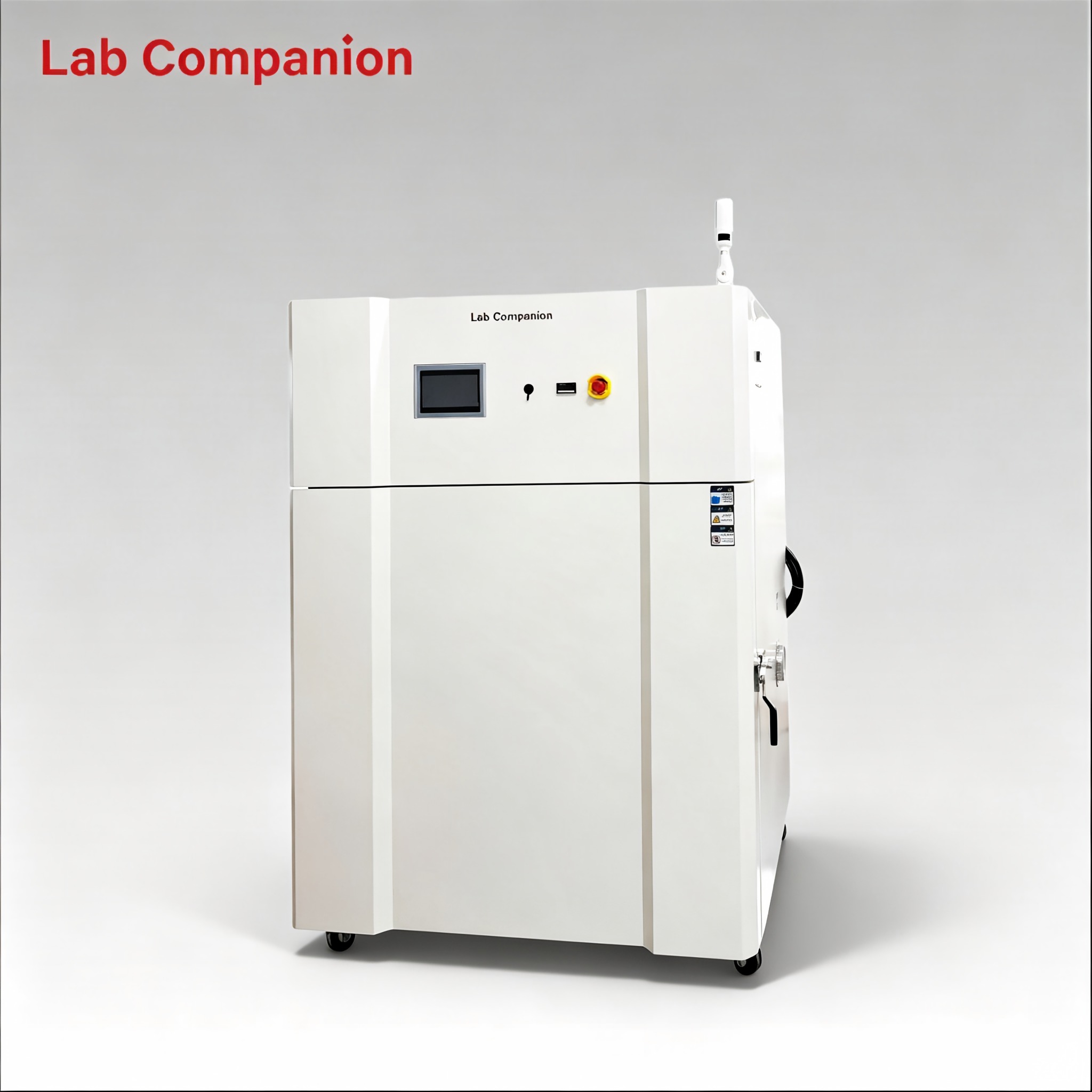
800L Forced Air Precision Oven with Side Ports for Electronics Drying Process This 800L industrial precision oven supports aging, drying, curing and defoaming for PCBA, new energy and composite materials. It features RT+10℃~200℃ range, 0.01℃ precision programmable controller, dual side test ports. Horizontal air convection delivers even heat distribution for reliable thermal simulation and product reliability testing.
EN SAVOIR PLUS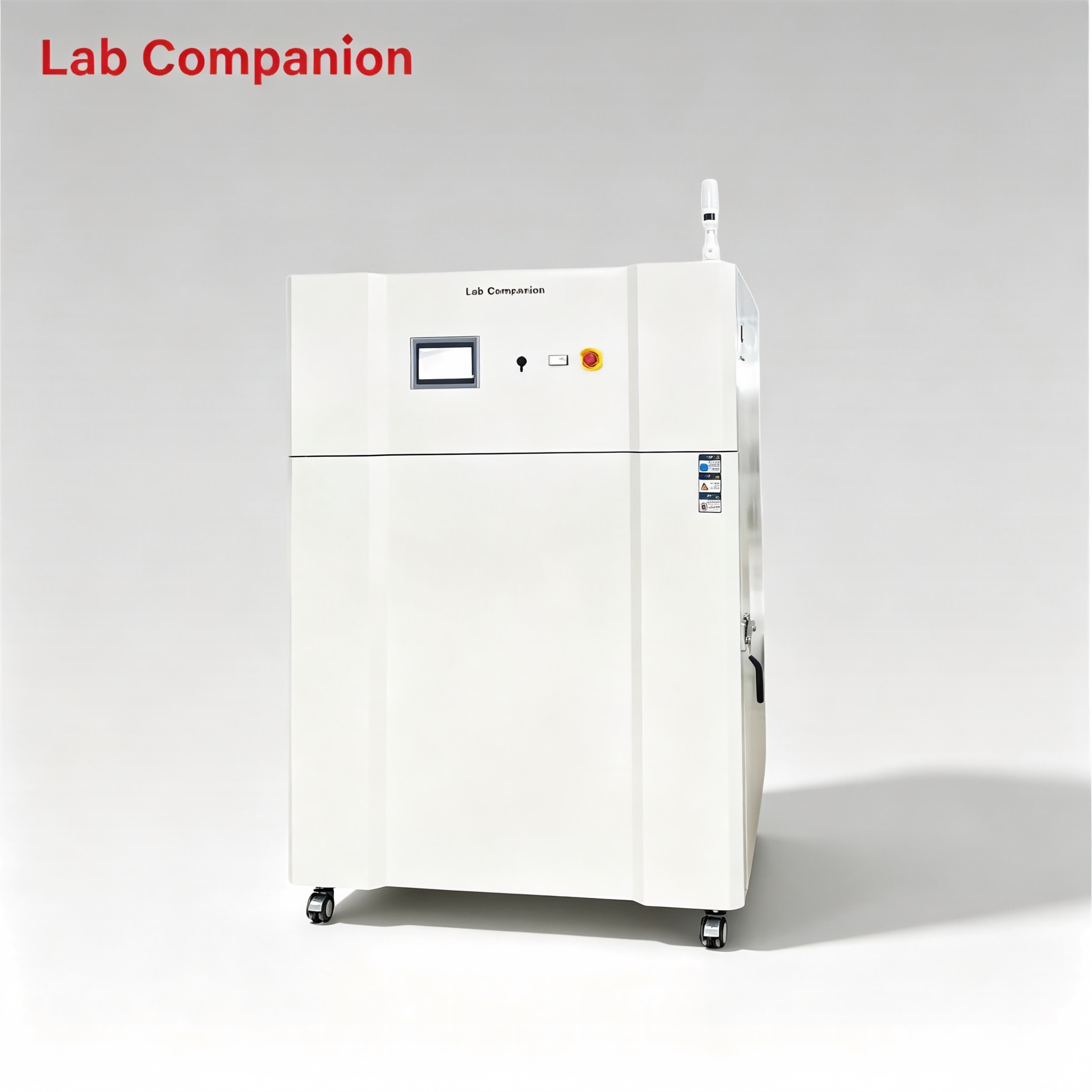
Large 800L Precision Drying Oven for Automotive Component Heat Treatment Work This 800L industrial precision oven is engineered for aging, drying, baking, curing, bonding and defoaming applications across industrial, laboratory and general‑purpose scenarios. Featuring a temperature range of RT+10℃~200℃, integrated programmable controller, and 0.01℃ temperature control precision, it comes with an exhaust ventilation system and optional side cable ports upon request. It adopts horizontal air convection technology to ensure uniform heat distribution, enabling accurate simulation of real‑world conditions for product adaptability testing.
EN SAVOIR PLUS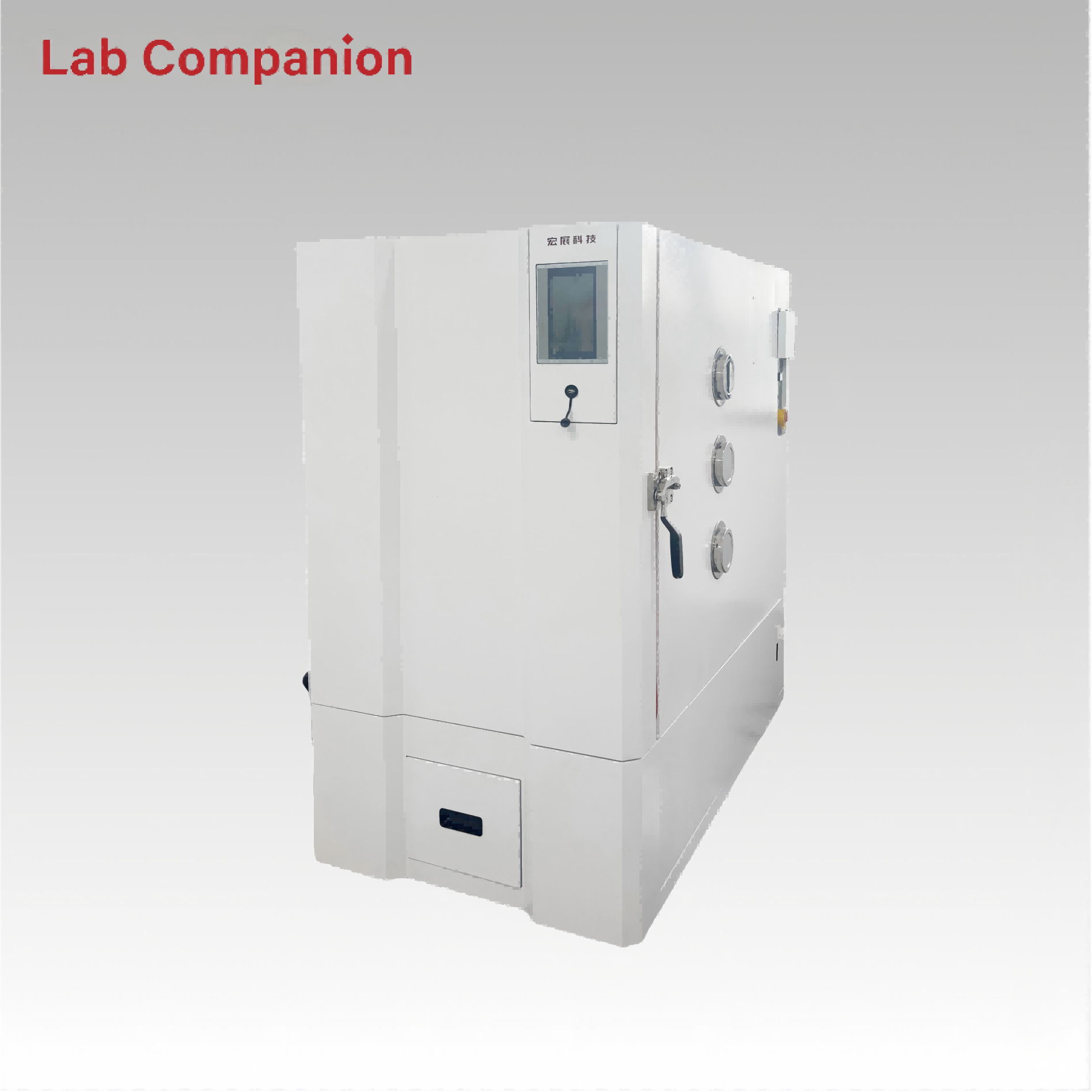
512L Custom High Temp Oven CE ISO Thermal Aging Testing This 512L industrial precision oven is designed for aging, drying, baking, curing, bonding and defoaming. It features a temperature range from RT to +300℃, with a heating rate from RT+30℃ to 300℃ (non-linear, no load; maximum heating rate >3℃/min). Equipped with an integrated programmable controller, it delivers 0.01℃ temperature control precision. Horizontal air convection guarantees uniform heat distribution for stable and reliable product testing.
EN SAVOIR PLUS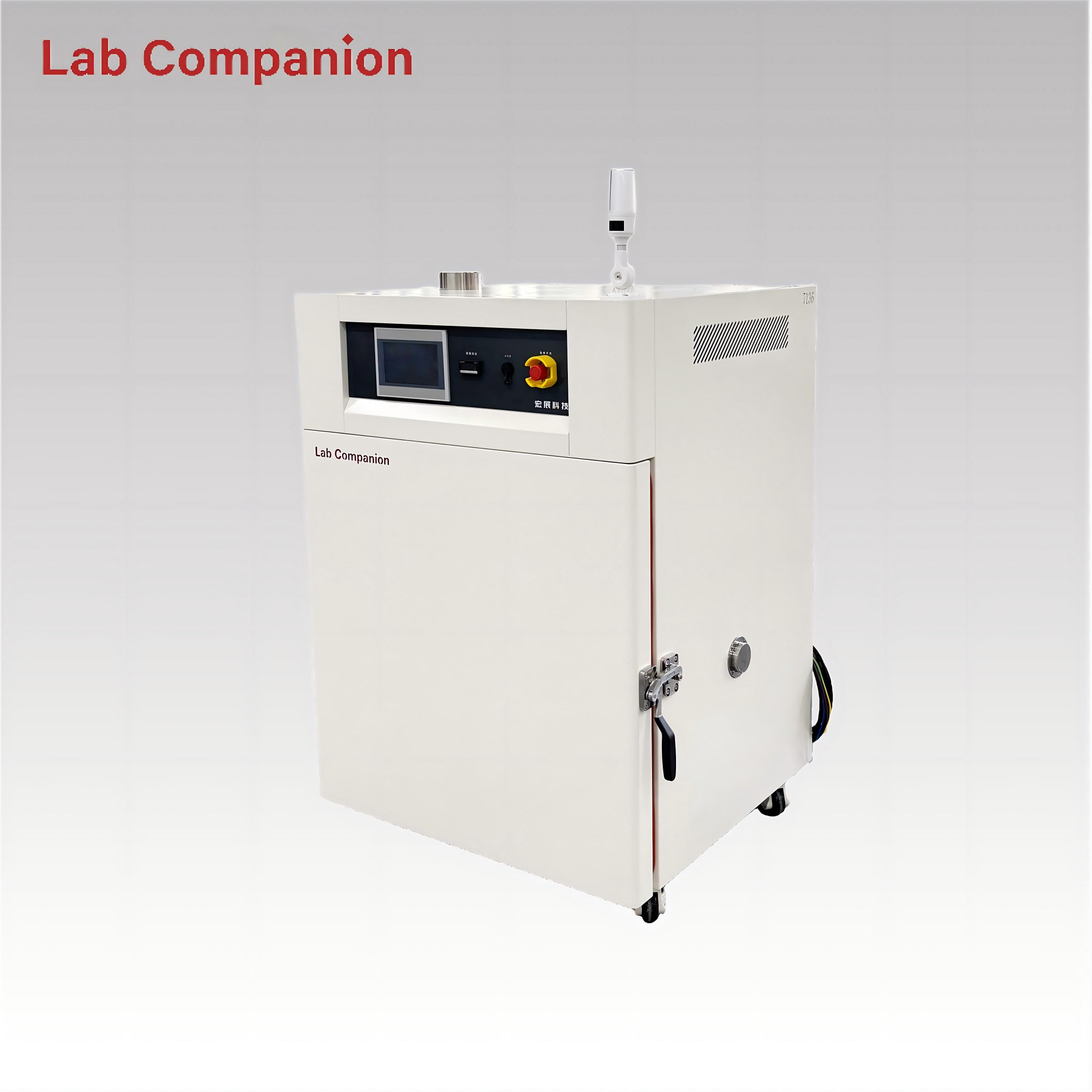
216L Forced Air Convection Drying Oven CE Certified This 216L industrial precision oven is designed for aging, drying, baking, curing, bonding and defoaming. It features a temperature range from RT to +220℃, with a heating rate from RT+10℃ to 200℃ (non-linear, no load; maximum heating rate >3.5℃/min). Equipped with an integrated programmable controller, it delivers 0.01℃ temperature control precision. Horizontal air convection guarantees uniform heat distribution for stable and reliable product testing.
EN SAVOIR PLUS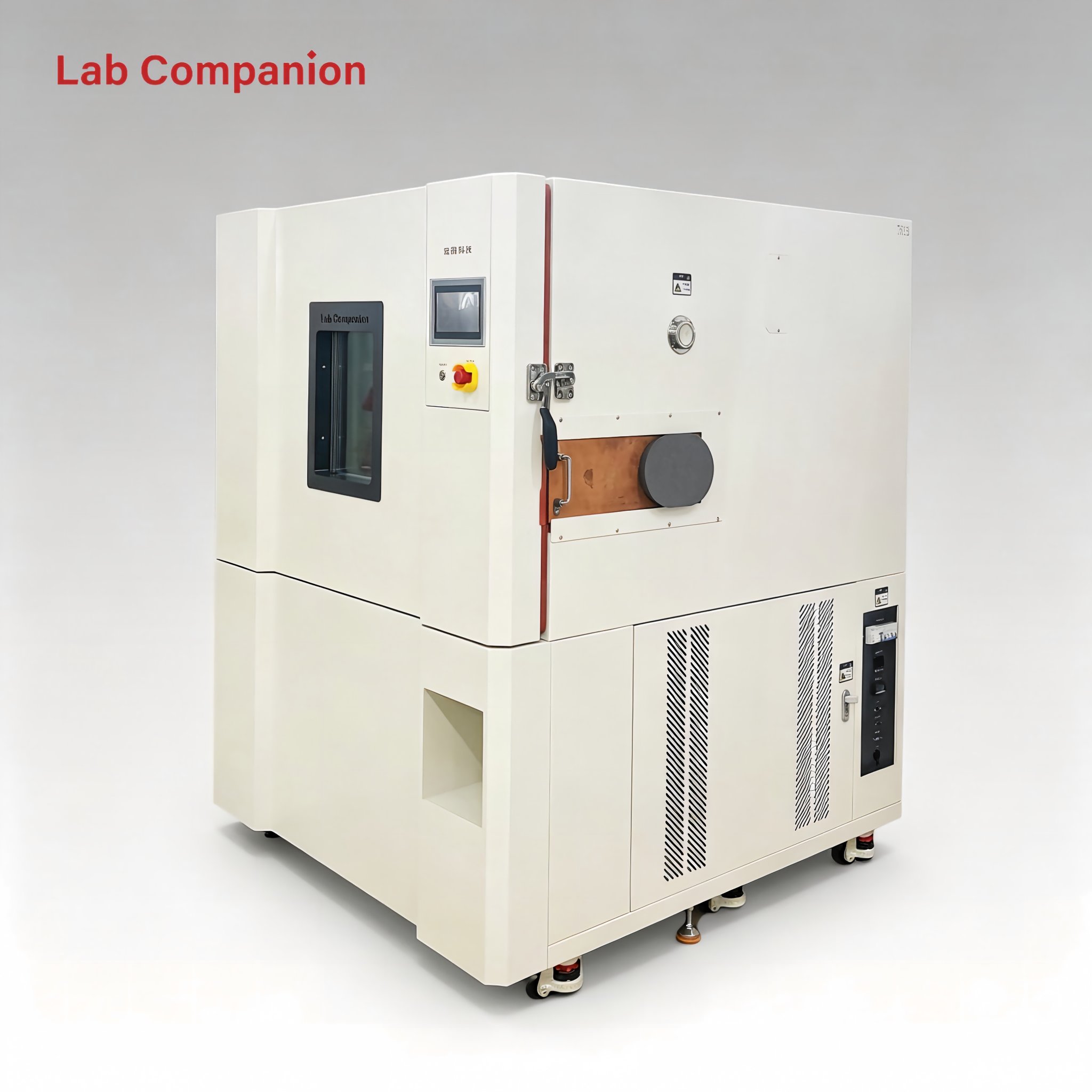
736L Precision Oven CE ISO for Plastic & Rubber Curing Use The 736L precision industrial oven is applicable to aging, drying, baking, curing, bonding and defoaming. It works within RT~150℃ and offers a max linear heating rate of 3℃/min without load. The embedded programmable controller provides 0.01℃ high-precision temperature control. Horizontal air convection ensures consistent temperature inside the chamber to secure stable and credible testing performance.
EN SAVOIR PLUS
157L High Precision Industrial Drying and Heating Oven This 157L industrial precision oven is designed for aging, drying, baking, curing, bonding and defoaming. It offers a temperature range of RT to +200℃ with a heating-up time of 25 minutes, an integrated programmable controller, and 0.01℃ temperature control precision. Horizontal air convection ensures uniform heat distribution for reliable product testing
EN SAVOIR PLUS
1260L Precision Oven for Electronic Components This 1260L industrial precision oven is engineered for aging, drying, baking, curing, bonding and defoaming applications across industrial, laboratory and general-purpose scenarios. Featuring a temperature range of RT-200℃, integrated programmable controller, and 0.01℃ temperature control precision, it adopts horizontal air convection technology to ensure uniform heat distribution. With non-linear no-load heating and a heating rate of approximately 3.5℃/min, it enables accurate simulation of real-world conditions for product adaptability testing.
EN SAVOIR PLUS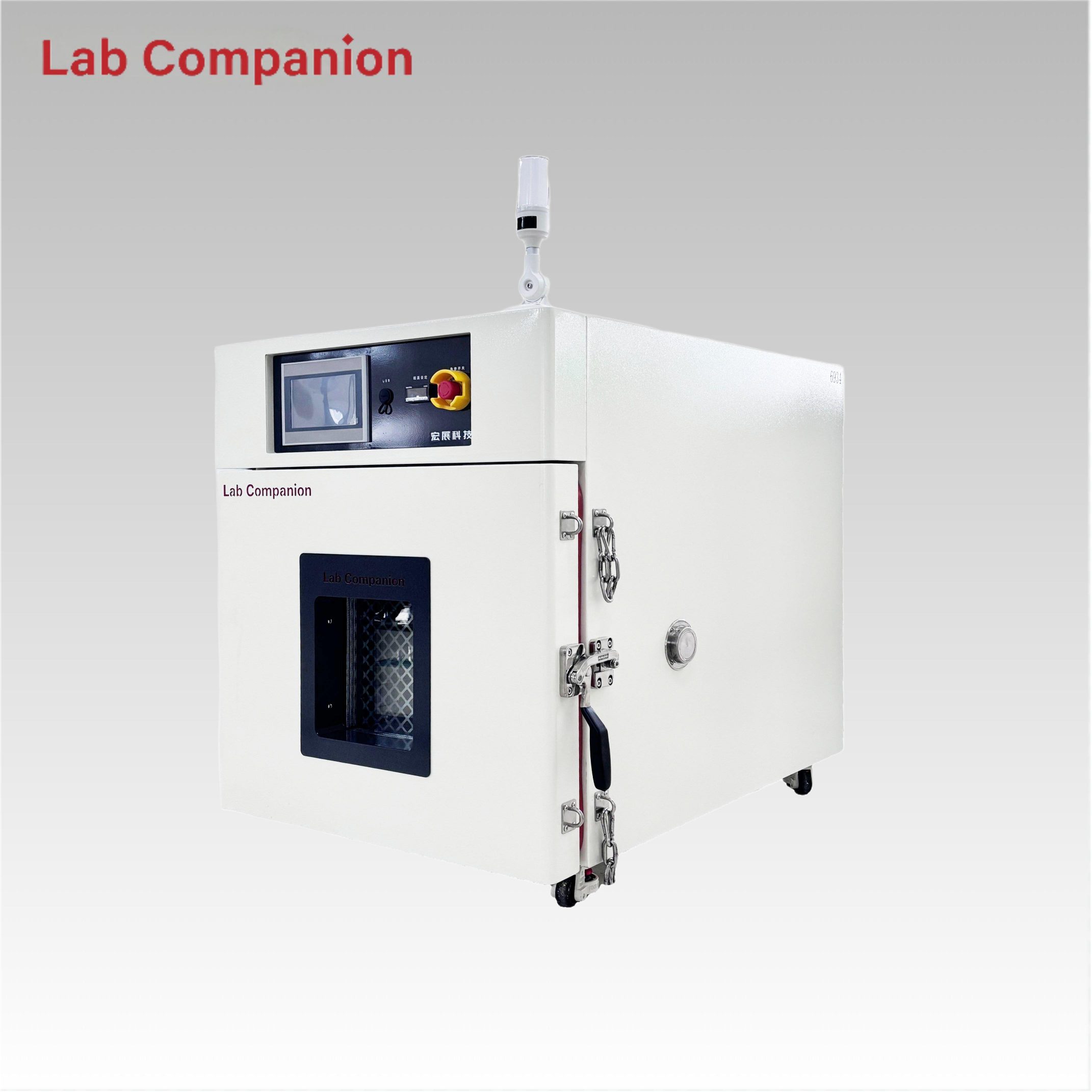
Explosion-Proof Precision Oven 91L Capacity This 91L explosion-proof industrial precision oven features a single-door structure for flexible operation, equipped with a C100 touch screen controller and triple over-temperature protection. It has a precise temperature range of ambient +15℃ to 200℃ with a non-linear empty load heating rate of approximately 5℃/minute; its left-right air convection system ensures uniform air and heat distribution, ideal for aging, drying, curing, bonding, defoaming and other industrial processes.
EN SAVOIR PLUS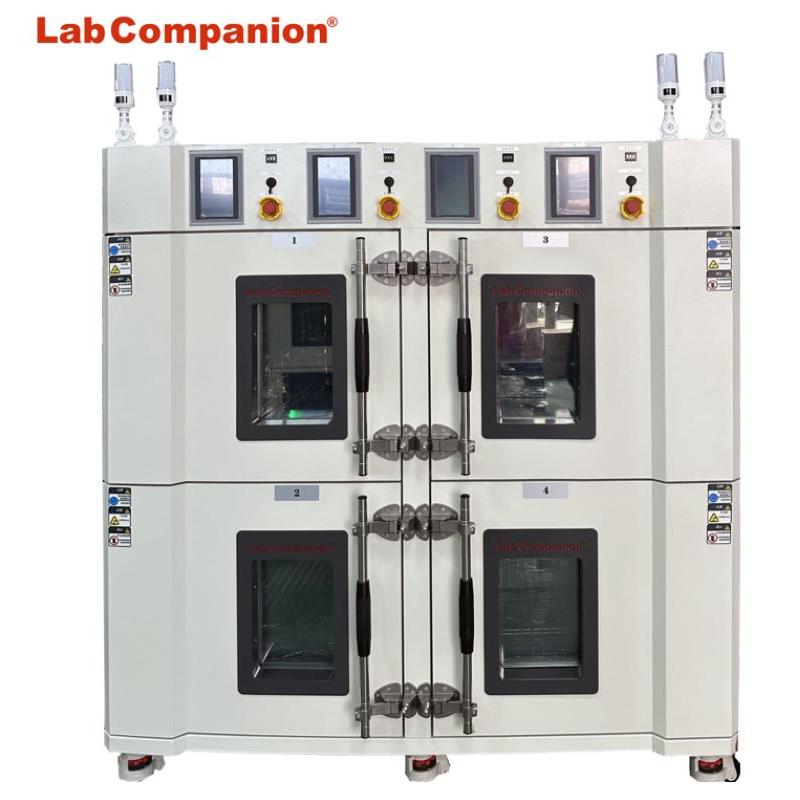
L'équipement est un nouveau type de machine de séchage industrielle, utilisant un ventilateur haute puissance résistant aux hautes températures à long arbre, une pale de turbine en acier inoxydable, combinée à une conception unique de conduit d'air. Contrôleur intelligent Q8, contrôle efficace du chauffage du radiateur en acier inoxydable, formant une température uniforme. d'air chaud à haute température, chauffant l'intérieur de la chambre, pour garantir que le four à l'intérieur atteigne l'environnement de température idéal. Le produit est largement utilisé dans les domaines LCD, CHOS, IS, médecine, laboratoire, aérospatiale et dans de nombreux autres domaines industriels de préchauffage, vieillissement, cuisson, durcissement thermique et autres processus.
EN SAVOIR PLUS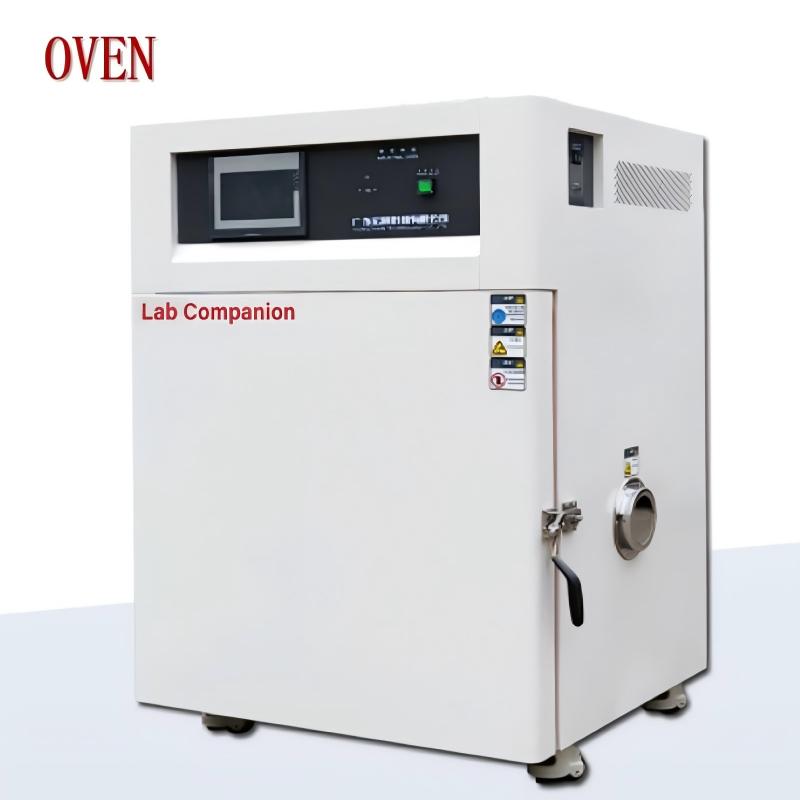
Les fours industriels sont synonymes de vieillissement, séchage, cuisson, durcissement, collage, démoussage et autres processus. Répondre aux exigences de divers produits, pièces et matériaux dans le stockage, le transport, le test d'adaptabilité du temps d'utilisation à haute température et à température constante, adapté aux dispositifs semi-conducteurs de l'industrie électronique, au durcissement des composants électroniques, au vieillissement et à d'autres processus de moulage de production, ainsi qu'aux universités et scientifiques Les instituts de recherche, les expériences ou les chaînes de production en atelier que les entreprises industrielles et minières ont des exigences élevées en matière de température du produit.
EN SAVOIR PLUS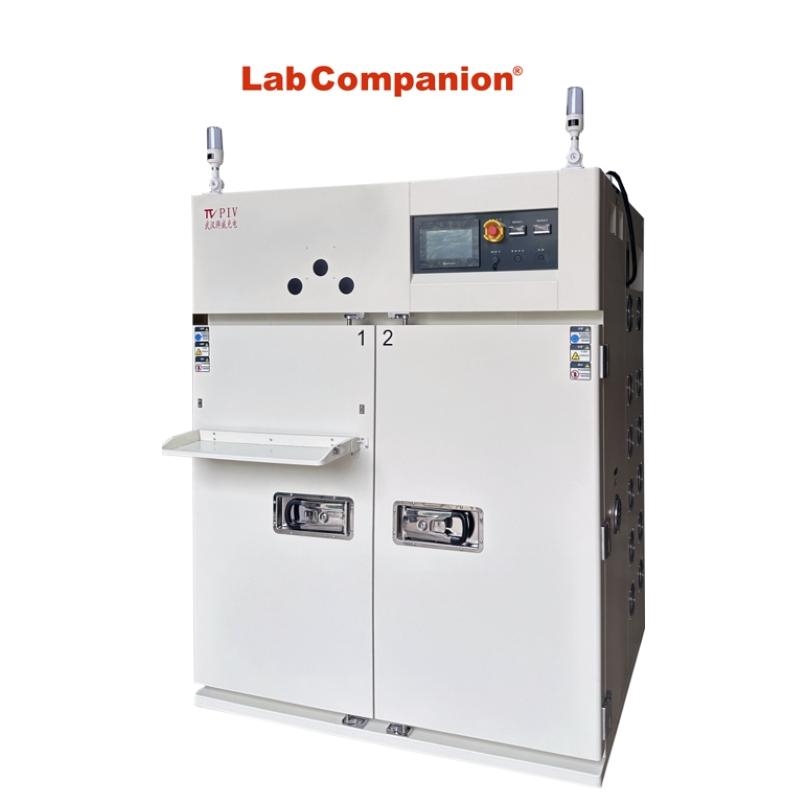
La chambre de vieillissement chargée à haute température est également appelée salle de vieillissement à température constante ou salle de vieillissement à haute température. Elle est destinée aux produits électroniques de haute performance pour simuler un test à haute température et dans un environnement difficile, ce qui constitue un équipement expérimental important pour améliorer la stabilité et la fiabilité du produit. un processus de production important pour chaque entreprise de production afin d'améliorer la qualité et la compétitivité des produits. L'équipement est largement utilisé dans les domaines électronique, électrique, informatique, de communication, biopharmaceutique, de sécurité, d'éclairage et autres. La chambre de vieillissement chargée à haute température est généralement composée d'un système de conduits d'air, d'un système de contrôle de la température, d'une architecture de test intérieure, etc.
EN SAVOIR PLUS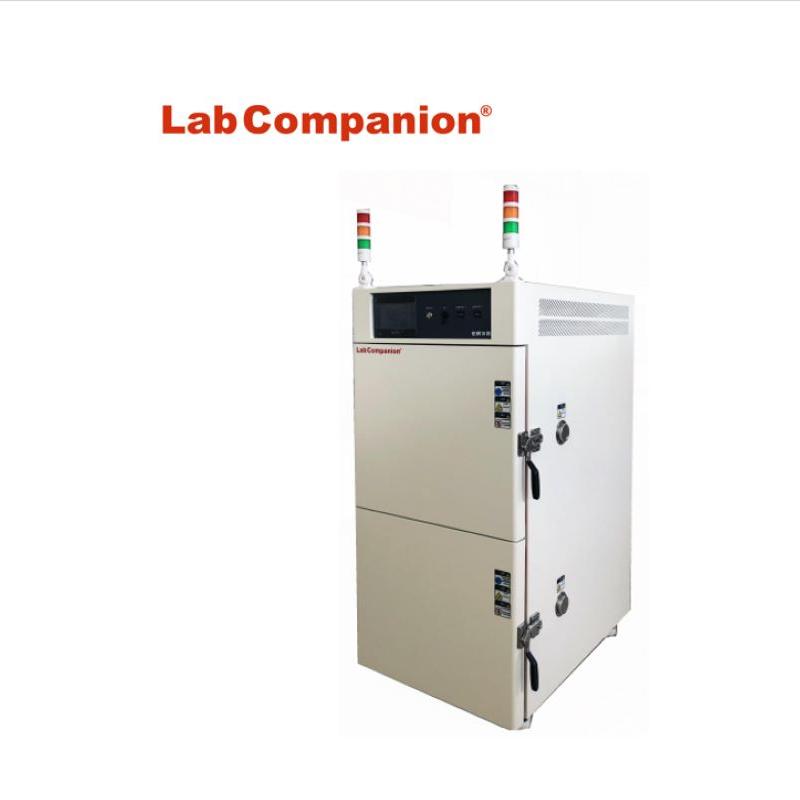
Le four à haute température de précision sous vide est conçu pour sécher la sensibilité à la chaleur, facile à décomposer et à oxyder les substances. Il peut remplir le gaz thermique à l’intérieur et peut également sécher rapidement certains ingrédients complexes. Largement utilisé dans la recherche scientifique, les universités, l'électricien, les matériaux, le textile, l'électronique, la chimie, l'alimentation, l'agriculture, les semi-conducteurs, les matériaux polymères, l'armée, l'aviation, le transport maritime, les postes et télécommunications, l'automobile, le médical, l'emballage, la mer profonde, le plein air et d'autres industries. et les entreprises et les institutions.
EN SAVOIR PLUS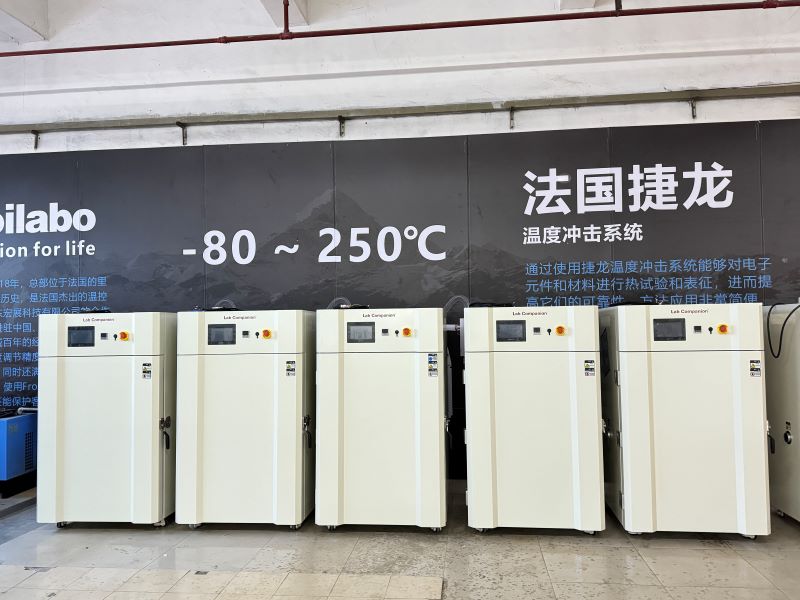
Nos fours industriels à haute température de grande capacité peuvent être personnalisés avec diverses fonctions optionnelles, tailles/indicateurs/capacité, etc. selon les besoins des utilisateurs. La limite de température maximale en option est de 300 °C.
EN SAVOIR PLUS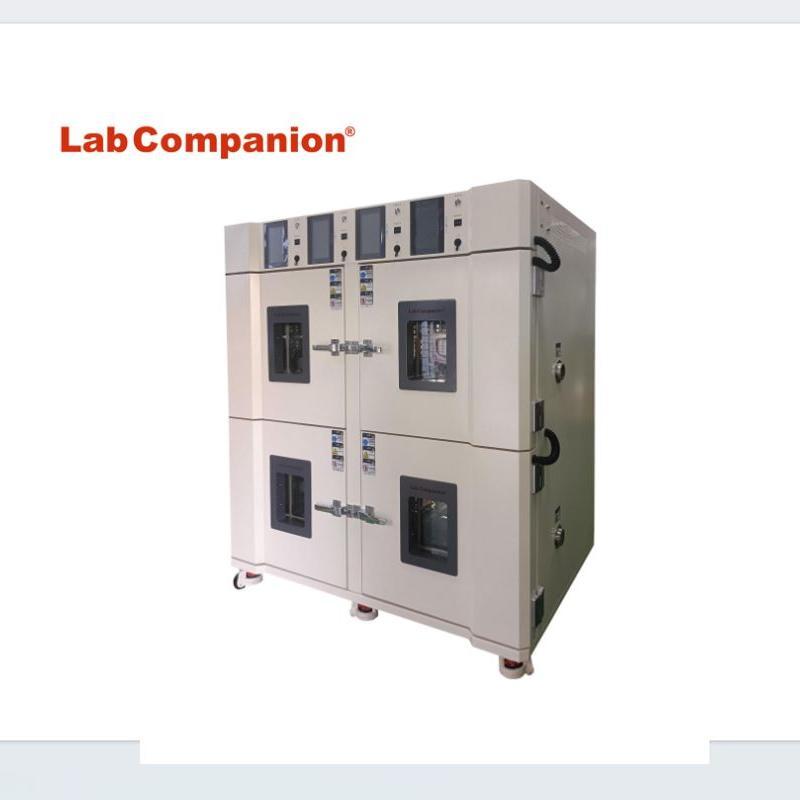
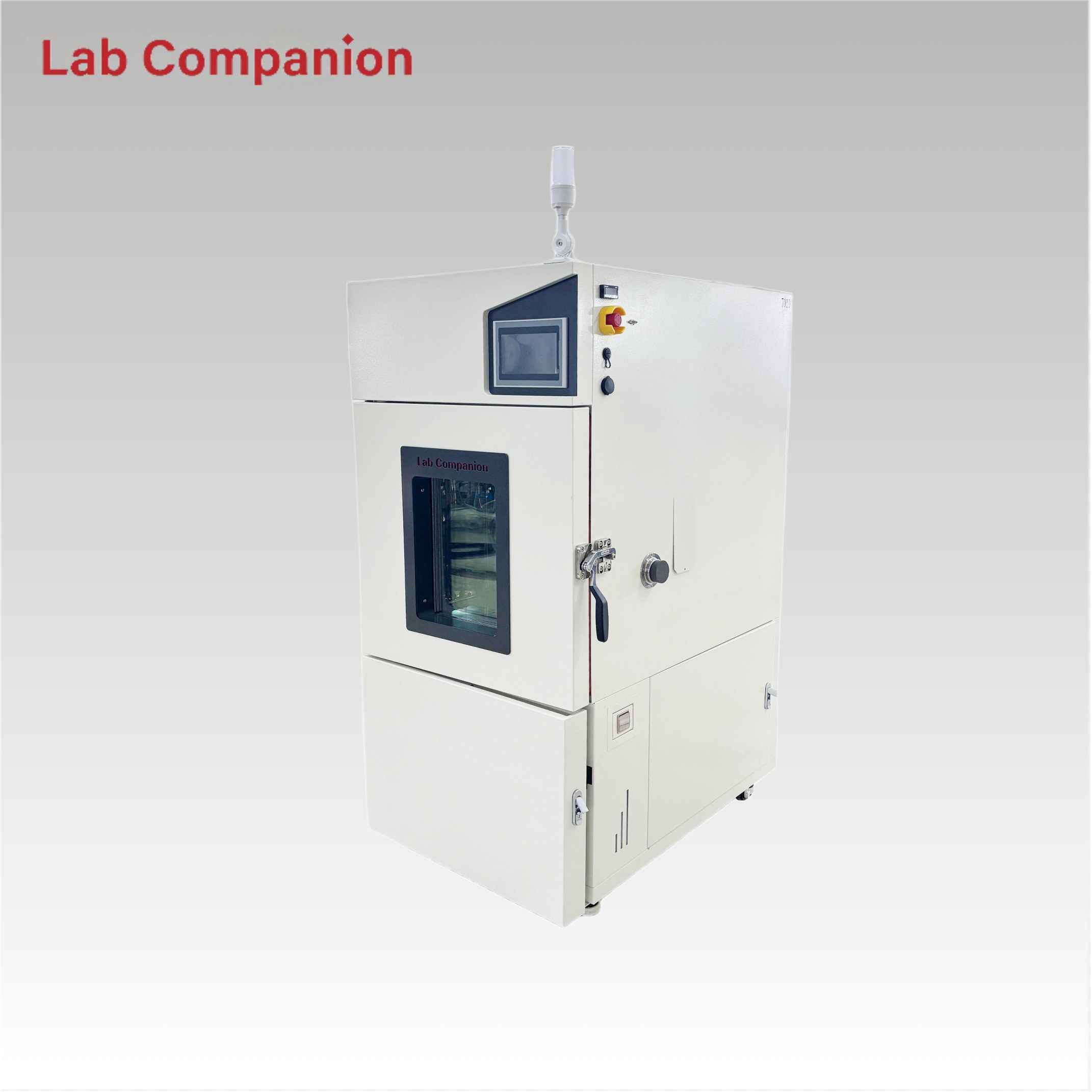
Four à haute température de précision multiplexé pour les entreprises industrielles et minières, les laboratoires, les unités de recherche scientifique pour le séchage, la cuisson, la fonte de la cire, la stérilisation, etc. Quatre chambres d'essai de contrôle de température indépendantes avec quatre systèmes de contrôle contrôlent indépendamment la température de chaque chambre d'essai, ce qui facilite la comparaison entre les spécimens. L'équipement présente également des avantages en matière d'économie d'espace et de réduction des coûts. Cet équipement est généralement utilisé dans les produits et matériaux électroniques, les batteries, les batteries, les produits en plastique, les matériaux métalliques, les pièces automobiles, l'aérospatiale, la recherche scientifique universitaire, etc.
EN SAVOIR PLUS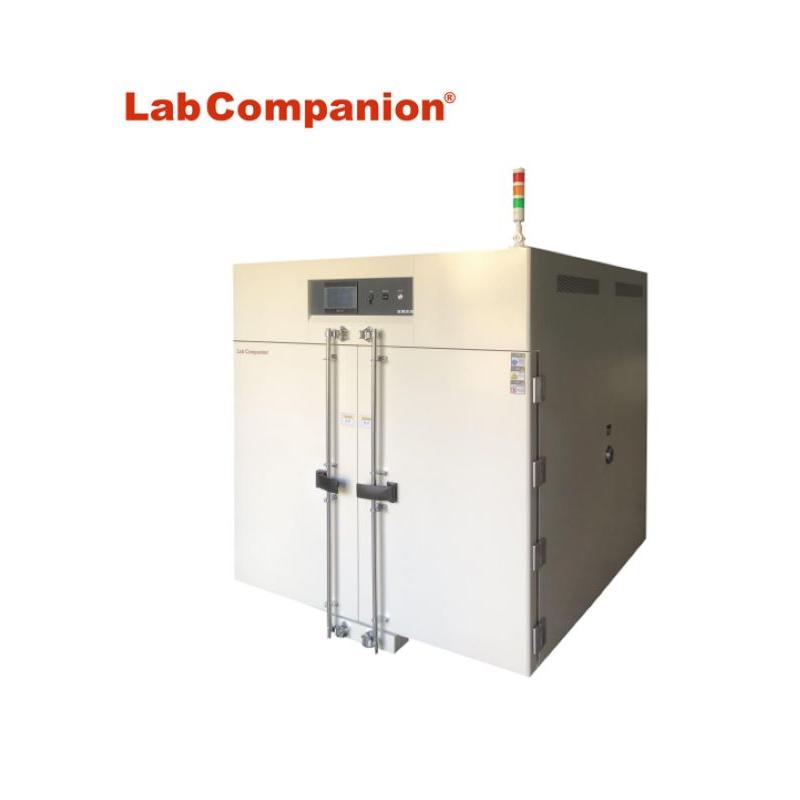
Four à haute température pour entreprises industrielles et minières, laboratoires, unités de recherche scientifique pour le séchage, la cuisson, la fonte de cire, la stérilisation. Le four à haute température est l’un des équipements couramment utilisés dans divers tests de vieillissement et est largement utilisé dans les domaines de l’électronique, de l’informatique, des communications et autres. Le studio de four à haute température est construit en acier inoxydable. La température du lieu de travail est automatiquement contrôlée par le contrôleur de température. Il existe un dispositif de contrôle automatique de la température et du temps constants, équipé d'un circuit d'alarme et de panne de courant automatique en cas de surchauffe, d'un contrôle fiable et d'une utilisation sûre.
EN SAVOIR PLUS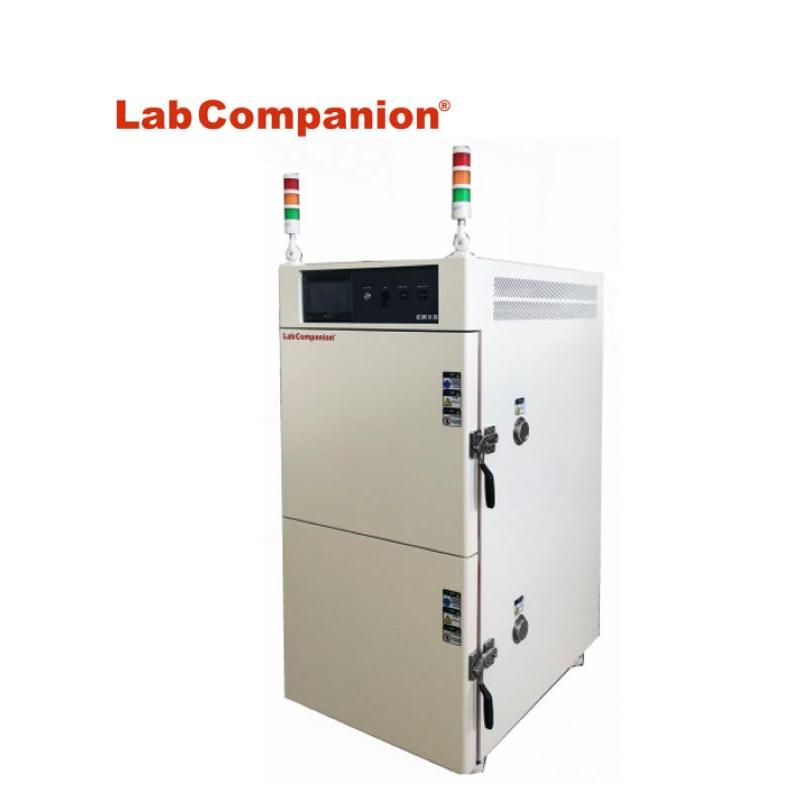
Four haute température de précision à double entrée pour les entreprises industrielles et minières, les laboratoires, les unités de recherche scientifique pour le séchage, la cuisson, la fonte de la cire, la stérilisation, etc. La boîte de test de contrôle de température indépendante à deux couches utilise deux systèmes de contrôle pour contrôler indépendamment le système de température de chacun. corps de la boîte d'essai, afin de faciliter la comparaison entre les échantillons. L'équipement présente également les caractéristiques d'économiser de l'espace et des coûts. Cet équipement est généralement utilisé dans les produits et matériaux électroniques, les batteries, les produits en plastique, les matériaux métalliques, les pièces automobiles, l'aérospatiale, la recherche scientifique universitaire, etc.
EN SAVOIR PLUS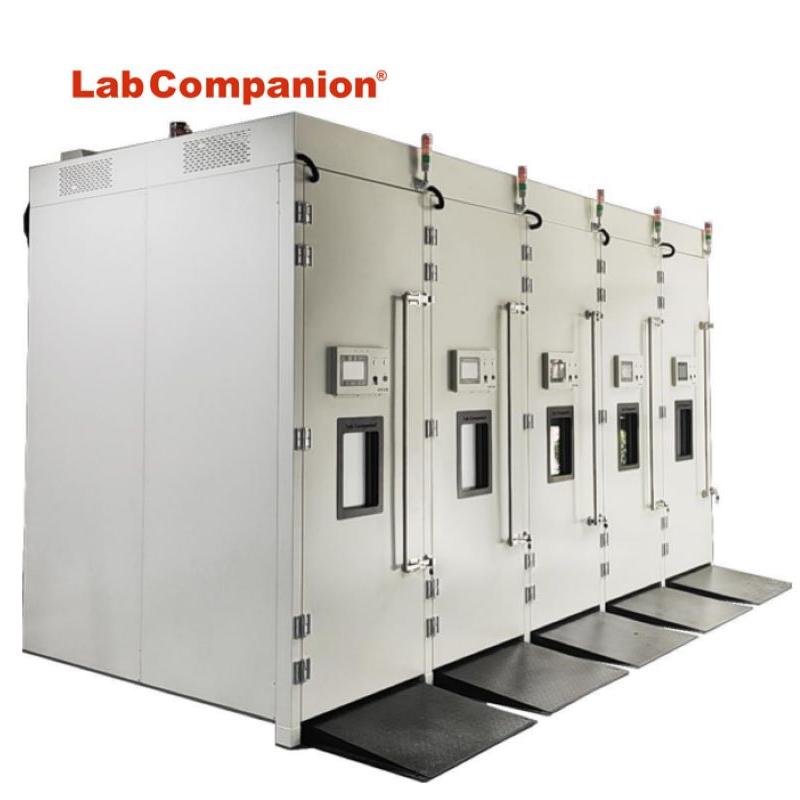
Le laboratoire de vieillissement à haute température est également appelé salle de vieillissement (salle de combustion), destiné aux produits électroniques de haute performance (tels que : ordinateur, écran, terminaux, produits automobiles, produits électroniques, alimentation, carte hôte, moniteur, chargeur de commutation, etc. )La simulation d'un équipement de test à haute température et dans un mauvais environnement est un outil expérimental important équipement pour améliorer la stabilité et la fiabilité du produit. La taille de la pièce de la salle de vieillissement isolée est conçue selon les exigences du client. Les cinq systèmes de contrôle de température peuvent réaliser un contrôle de température séparé et utiliser la porte coulissante isolante ou la porte isolante à double ouverture lors de l'entrée et de la sortie, et la fenêtre d'observation peut être réglée en fonction de la nécessité d'observer la situation de test du produit intérieur à l'extérieur. Si l'alimentation électrique est requise, installez la prise de courant dans un endroit pratique position pour répondre aux besoins du test de vieillissement du produit.
EN SAVOIR PLUS


 Obtenez un devis
 Réseau IPv6 pris en charge